

Purpose
Change a customer’s subscription state while making the timing and billing consequences explicit.
Before you begin
- Confirm the customer’s request and effective date.
- Review the next billing date and current status.
- Explain whether the action is immediate, scheduled, reversible, or permanent.
Procedure
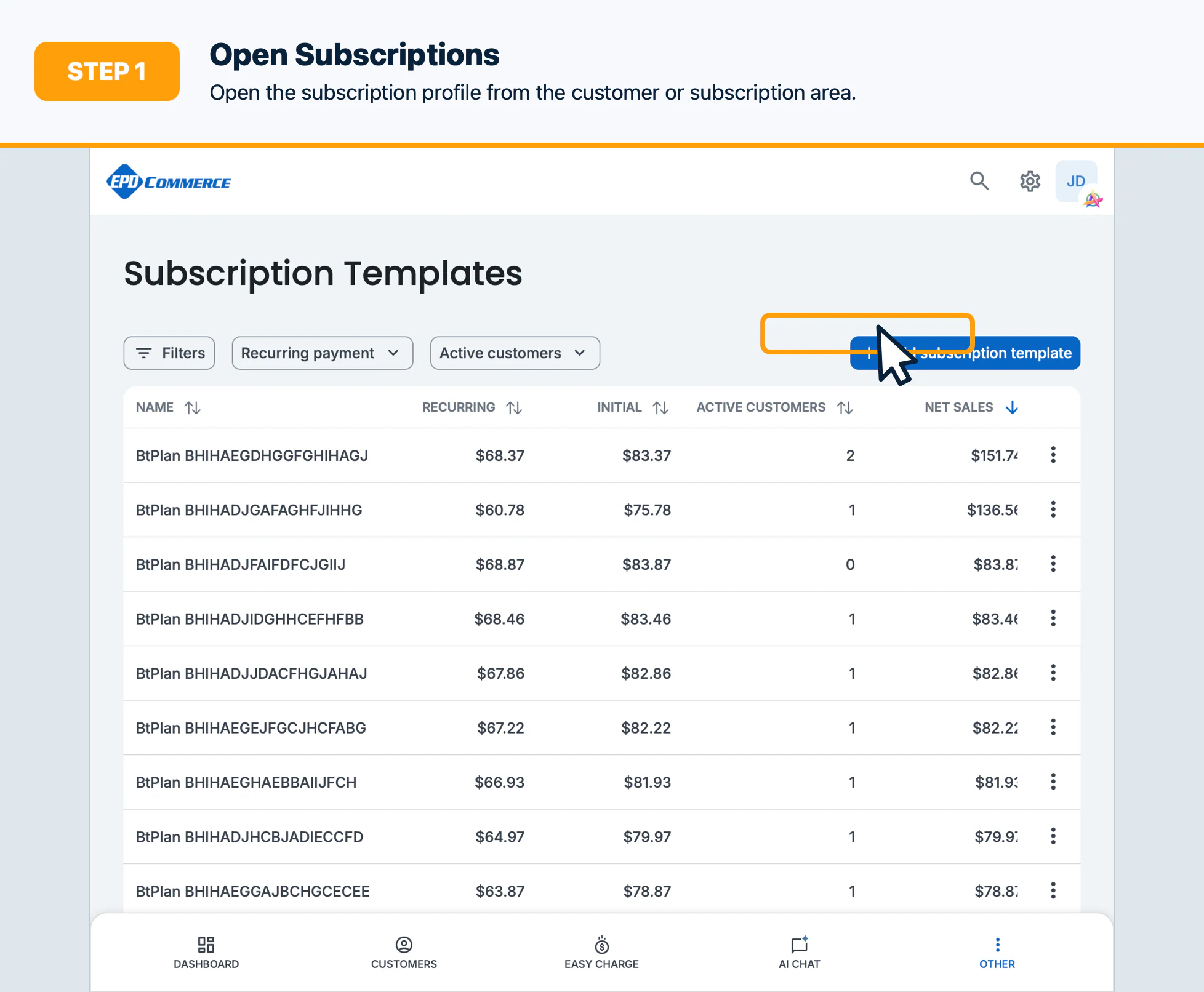
- Open Customers or Subscriptions, then open the subscription profile.
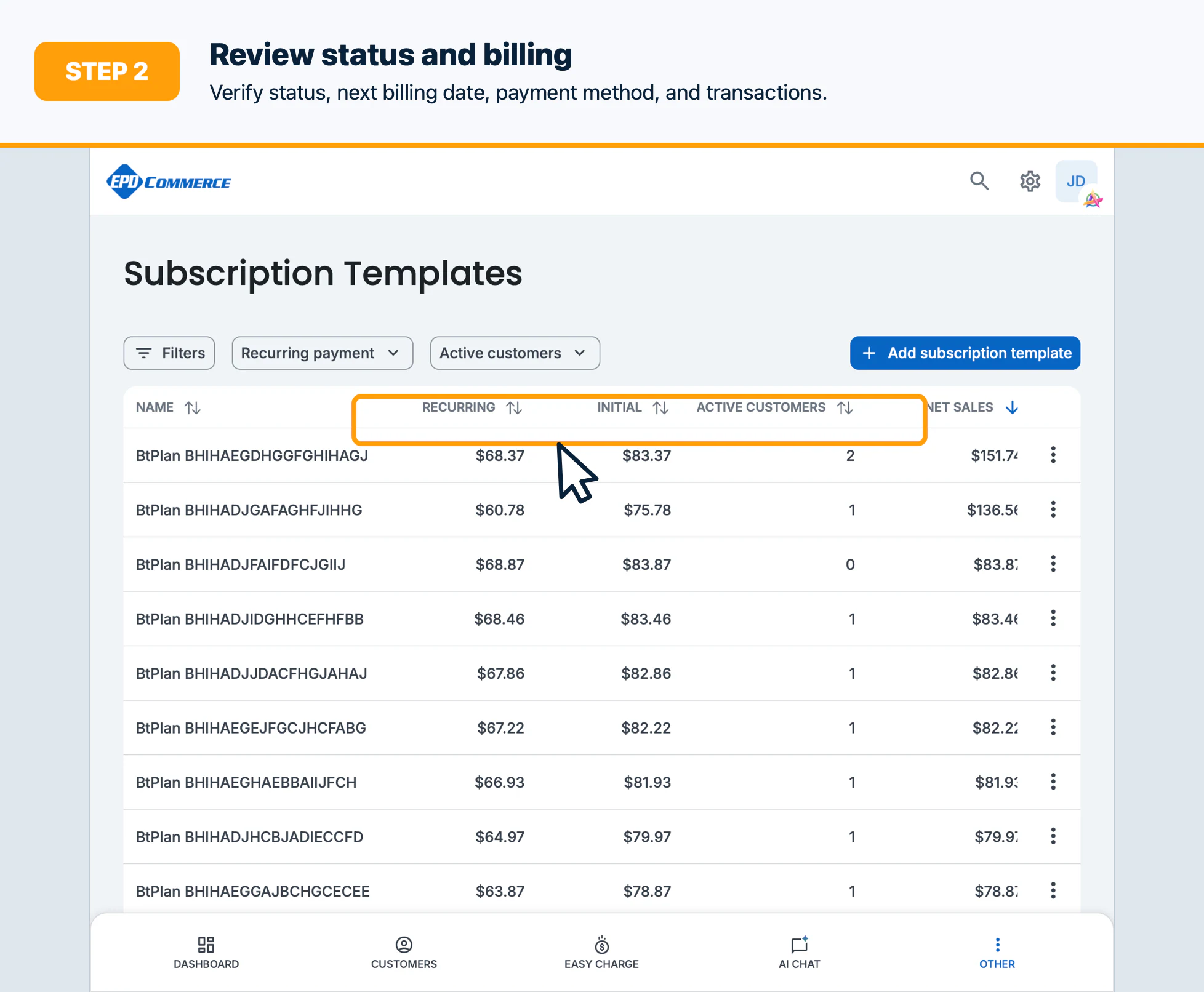
- Review the plan, status, next billing date, payment method, and recent transactions.
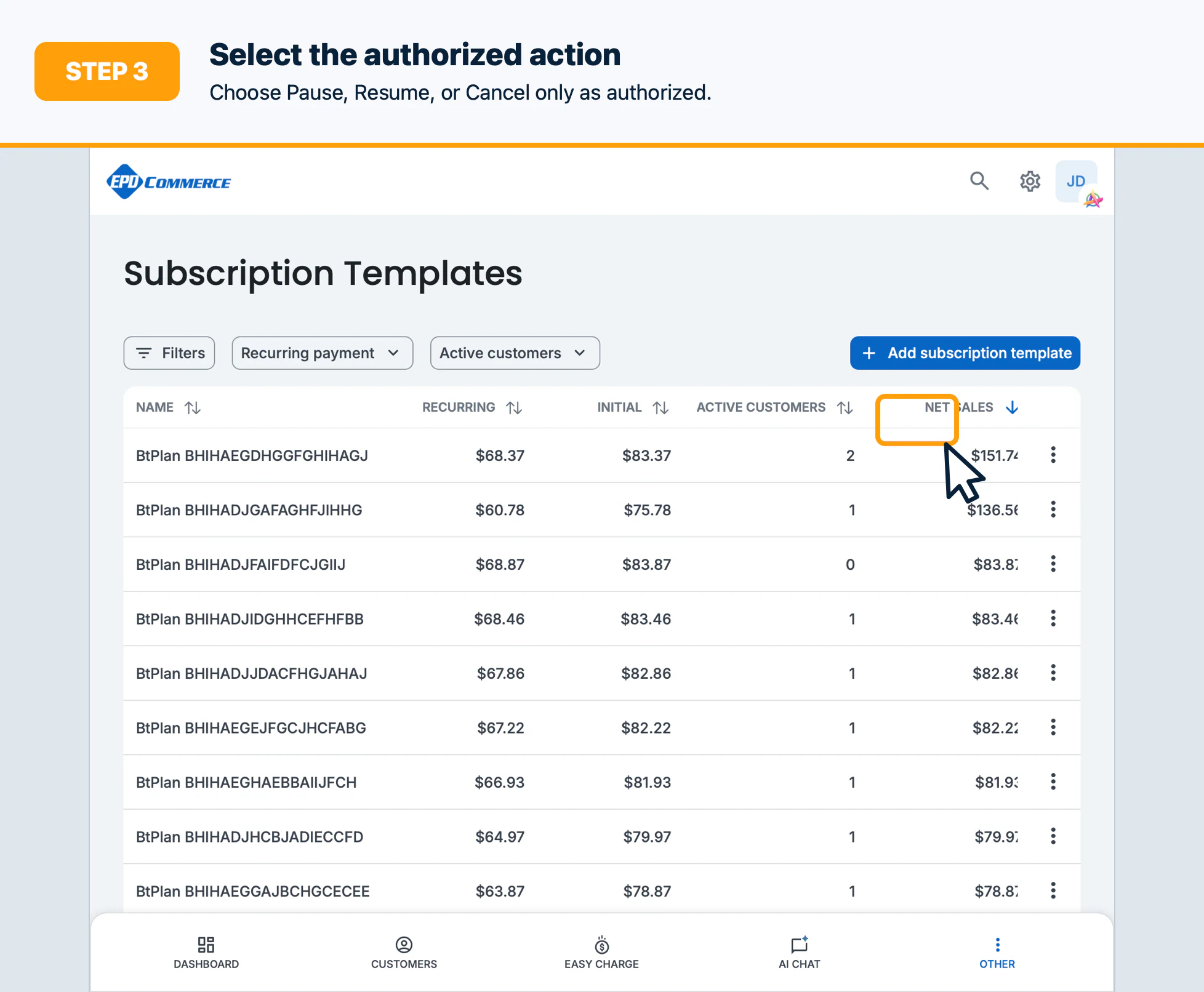
- Select Pause, Resume, or Cancel as authorized.
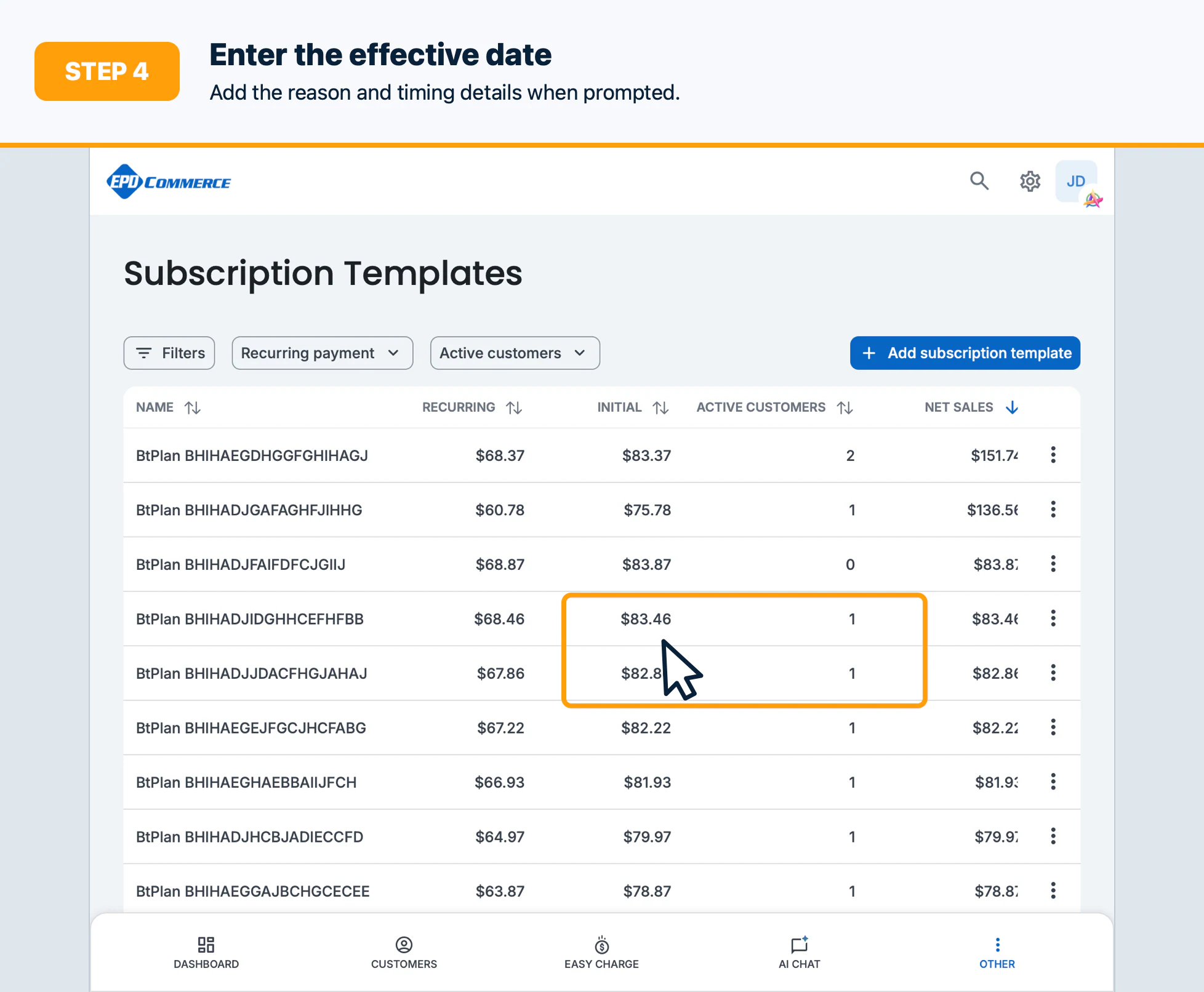
- Enter the effective date, reason, or cancellation details when prompted.
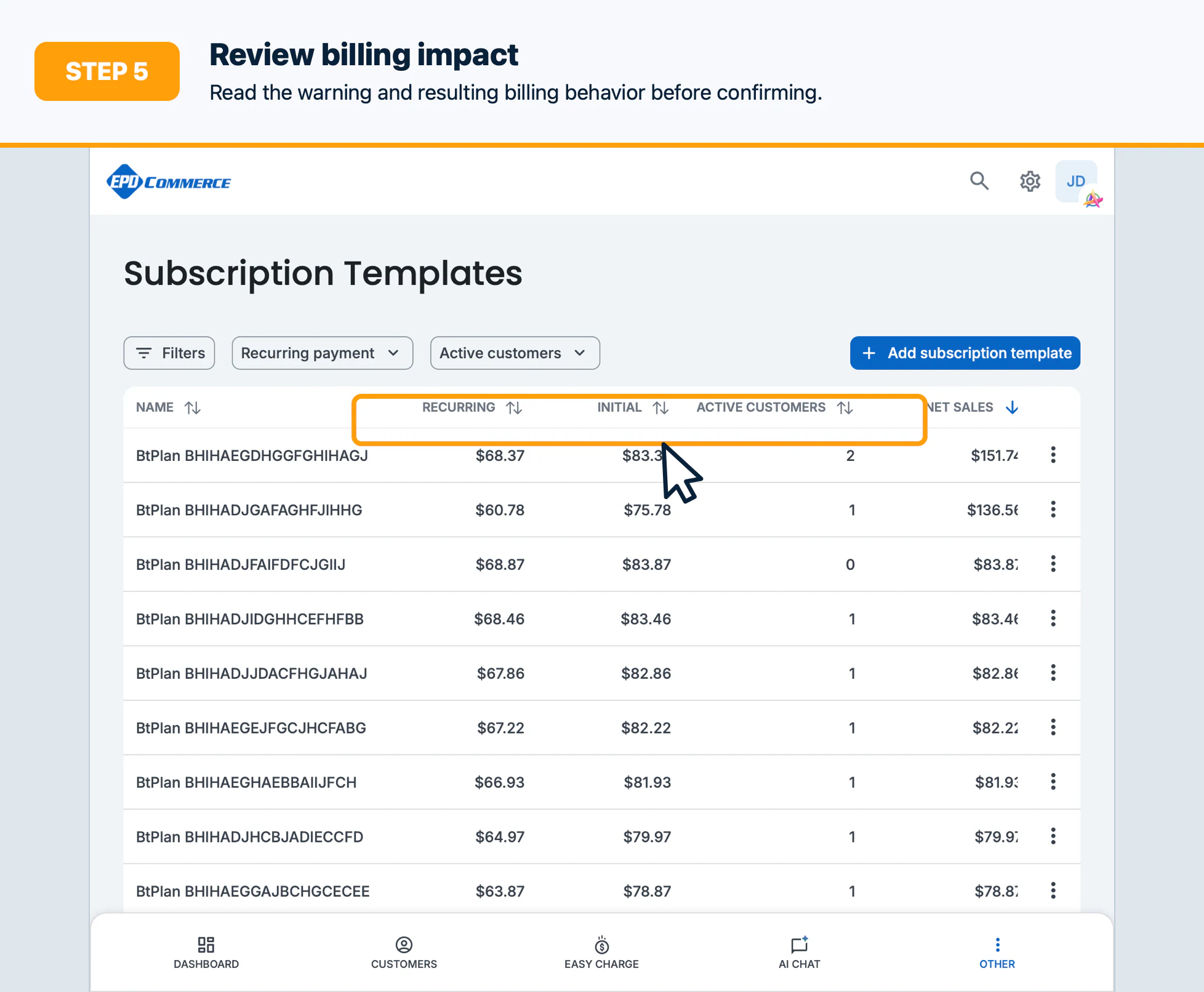
- Review the warning and resulting billing behavior before confirming.
Confirm the result
Verify the subscription status, effective date, next billing date, and customer communication requirement.
Troubleshooting
If an action is unavailable, check the current status, scheduled changes, permissions, and whether a payment is processing.