

Purpose
Start a customer subscription from an approved subscription template.
Before you begin
- Confirm the customer’s consent and the selected template.
- Verify the payment method and start date.
- Review any trial, shipping, or initial-charge implications.
Procedure
- Open Subscription Templates and open the approved template.
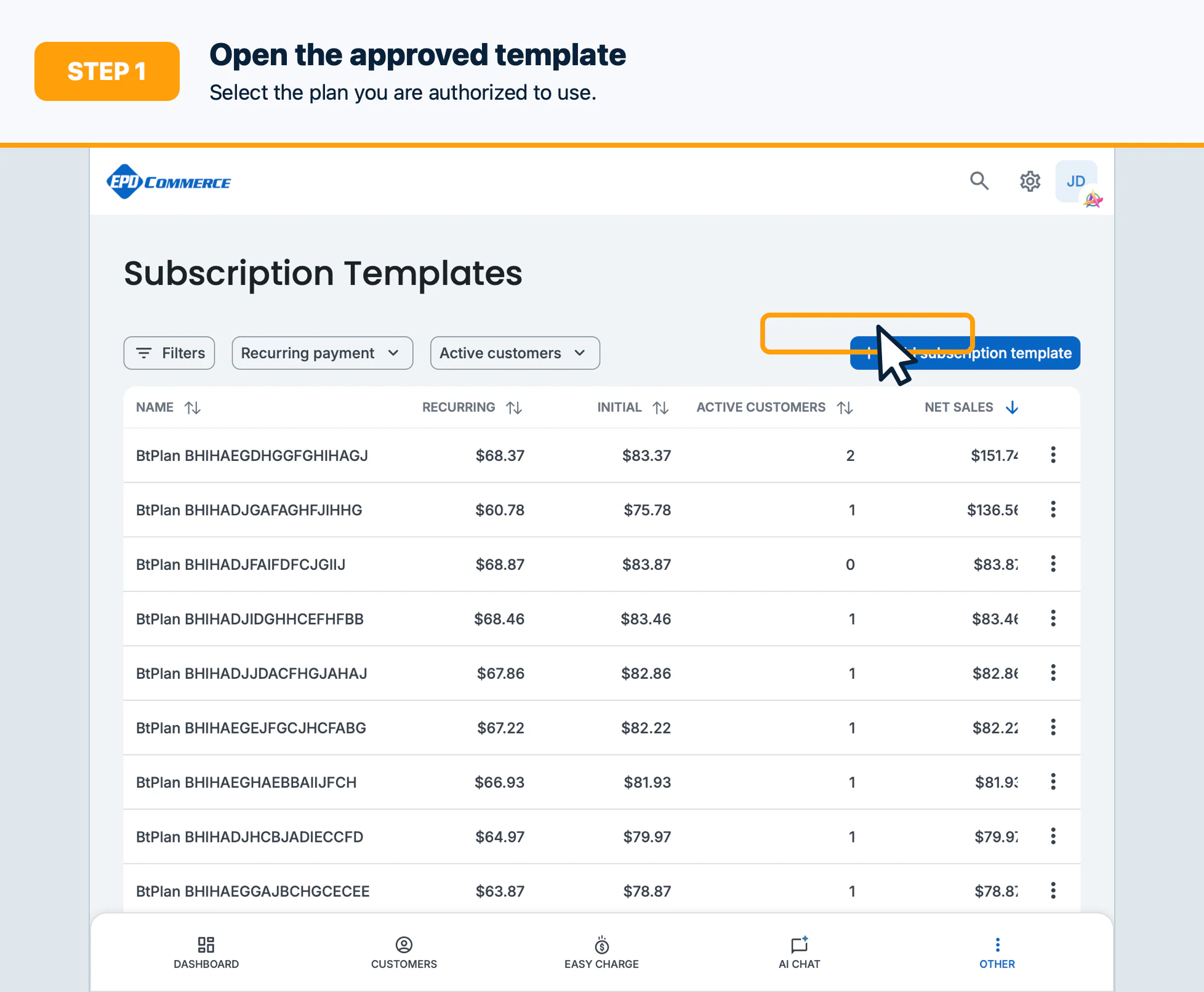
- Select Add subscription or Subscribe customer.
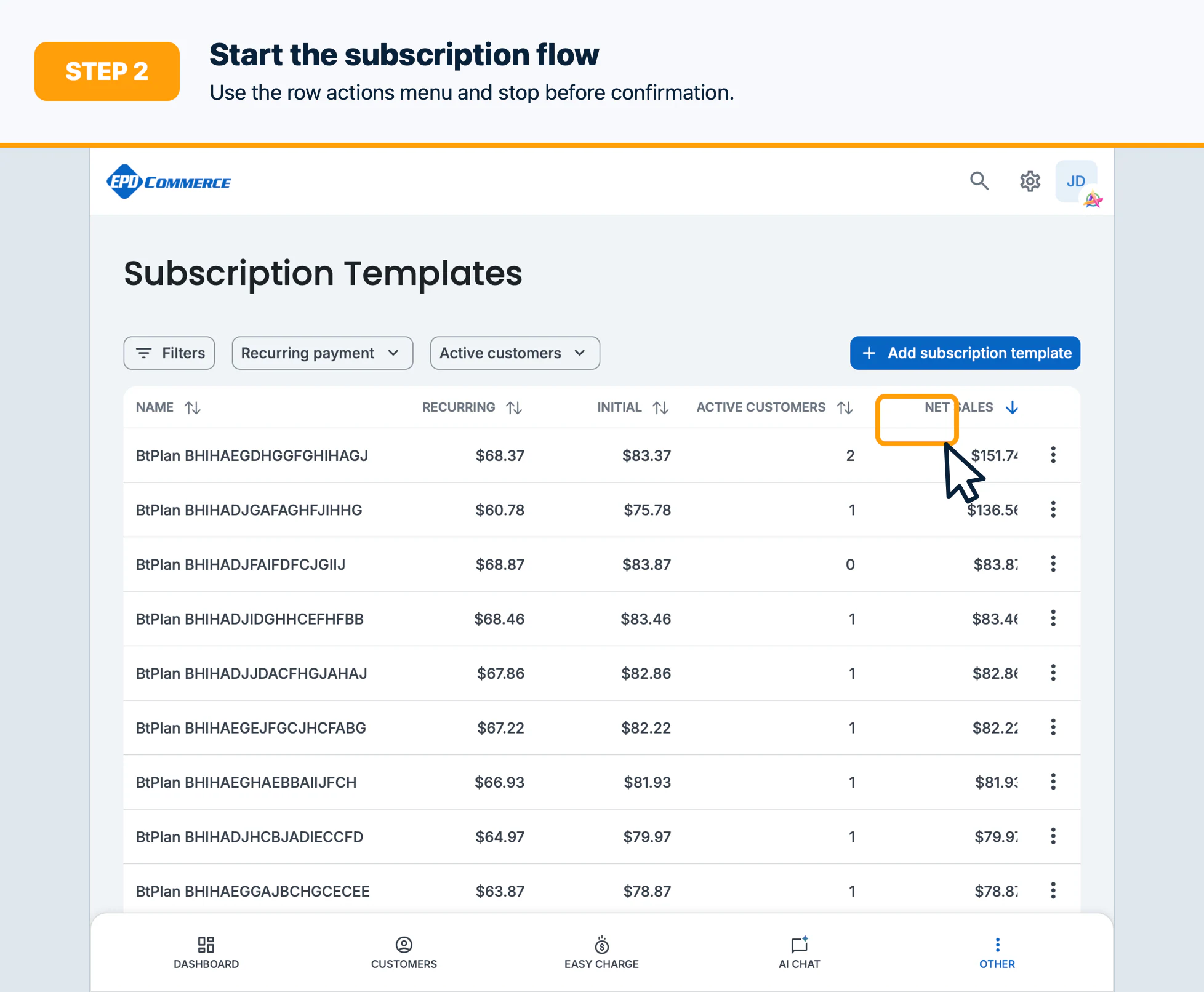
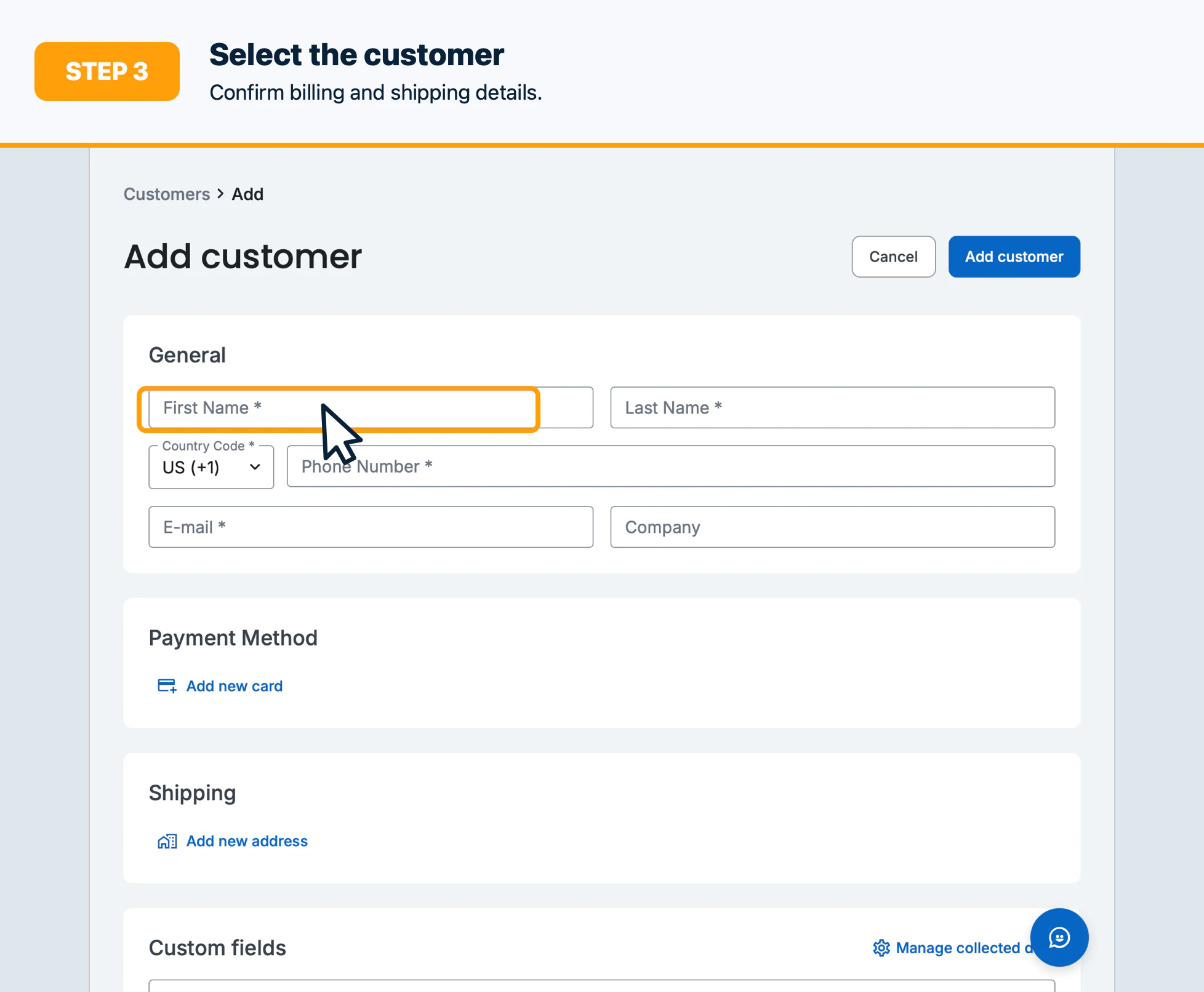
- Select the customer and confirm contact, billing, and shipping details.
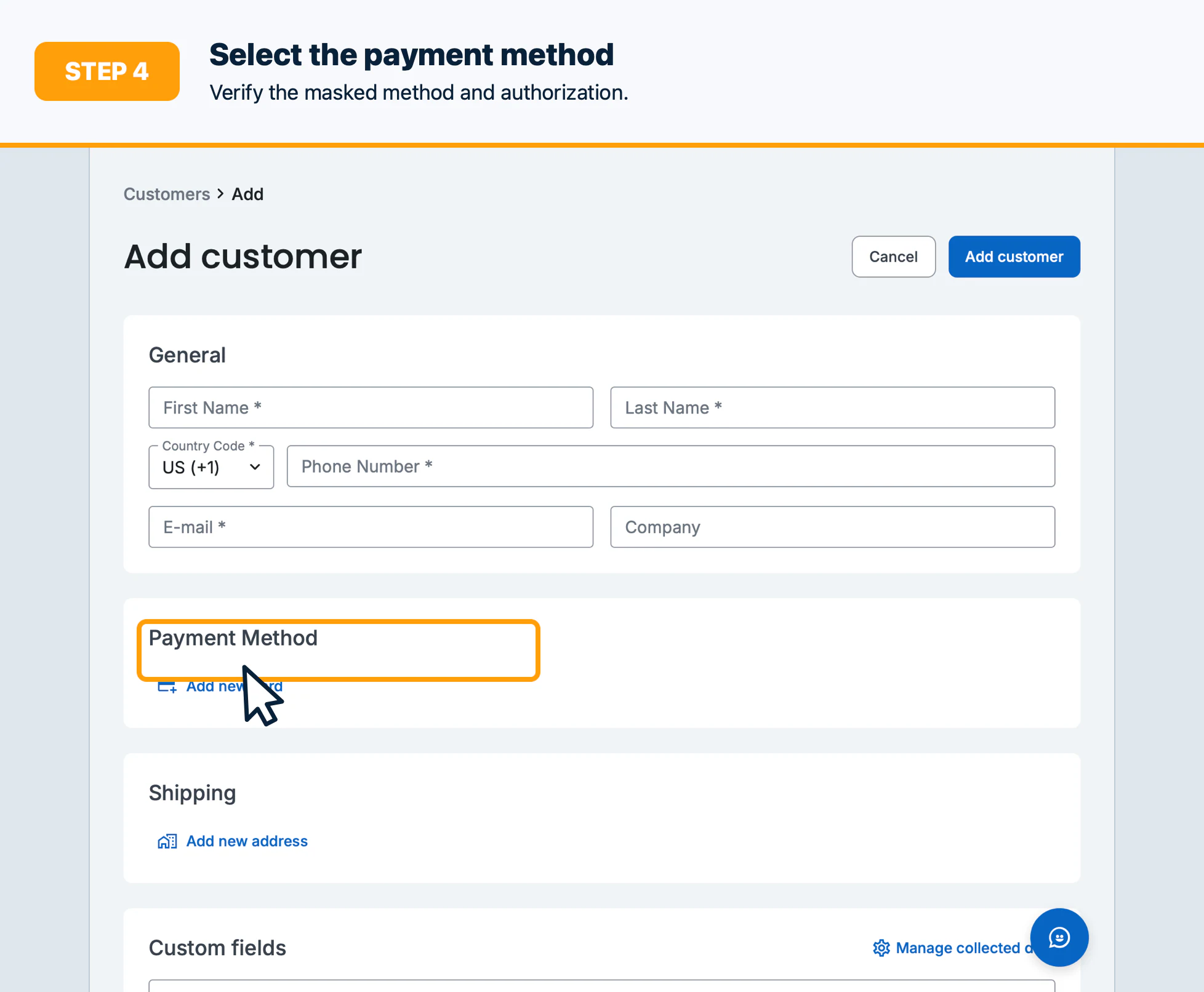
- Select the payment method and configure the start date or trial options.
- Review the first charge, recurring amount, cadence, and cancellation terms.
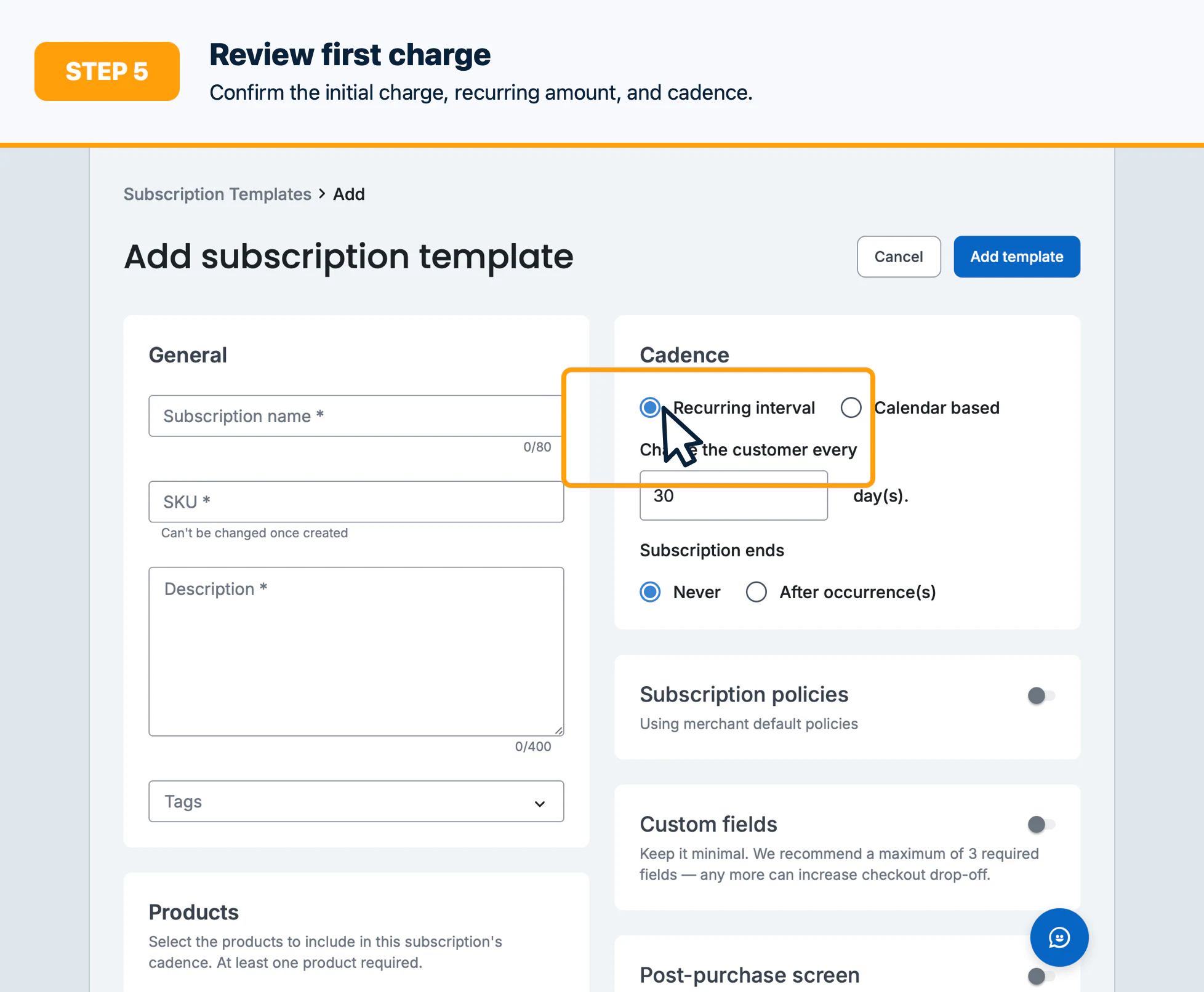
- Confirm the subscription only after the customer and authorized reviewer approve it.
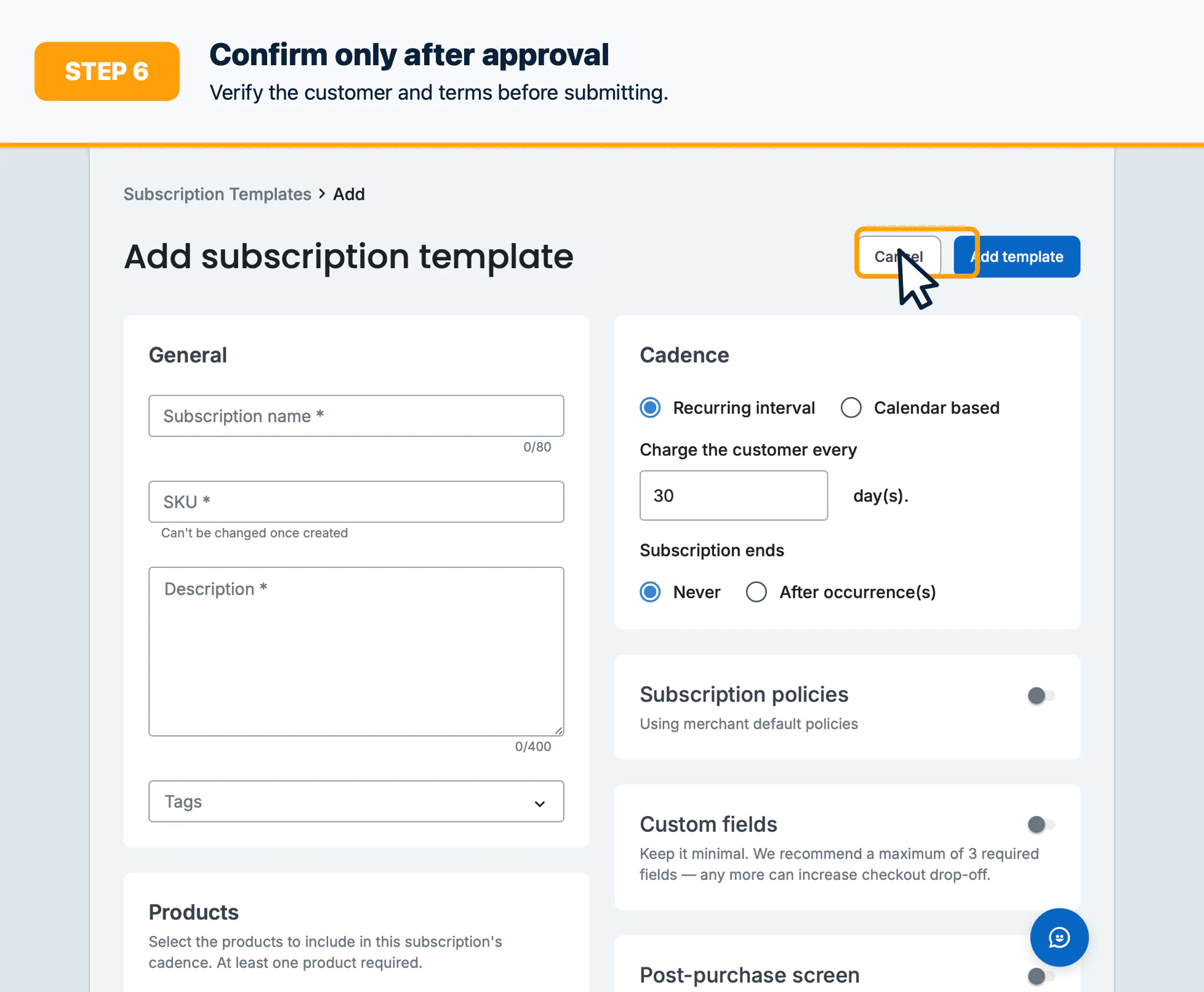
Confirm the result
Verify the subscription profile shows the expected customer, template, status, next billing date, amount, and payment method.
Troubleshooting
Resolve inactive templates, missing payment methods, invalid dates, or subscription permissions before retrying.