

Purpose
Prioritize failed payments and understand the next recovery action without accidentally changing a customer plan.
Procedure
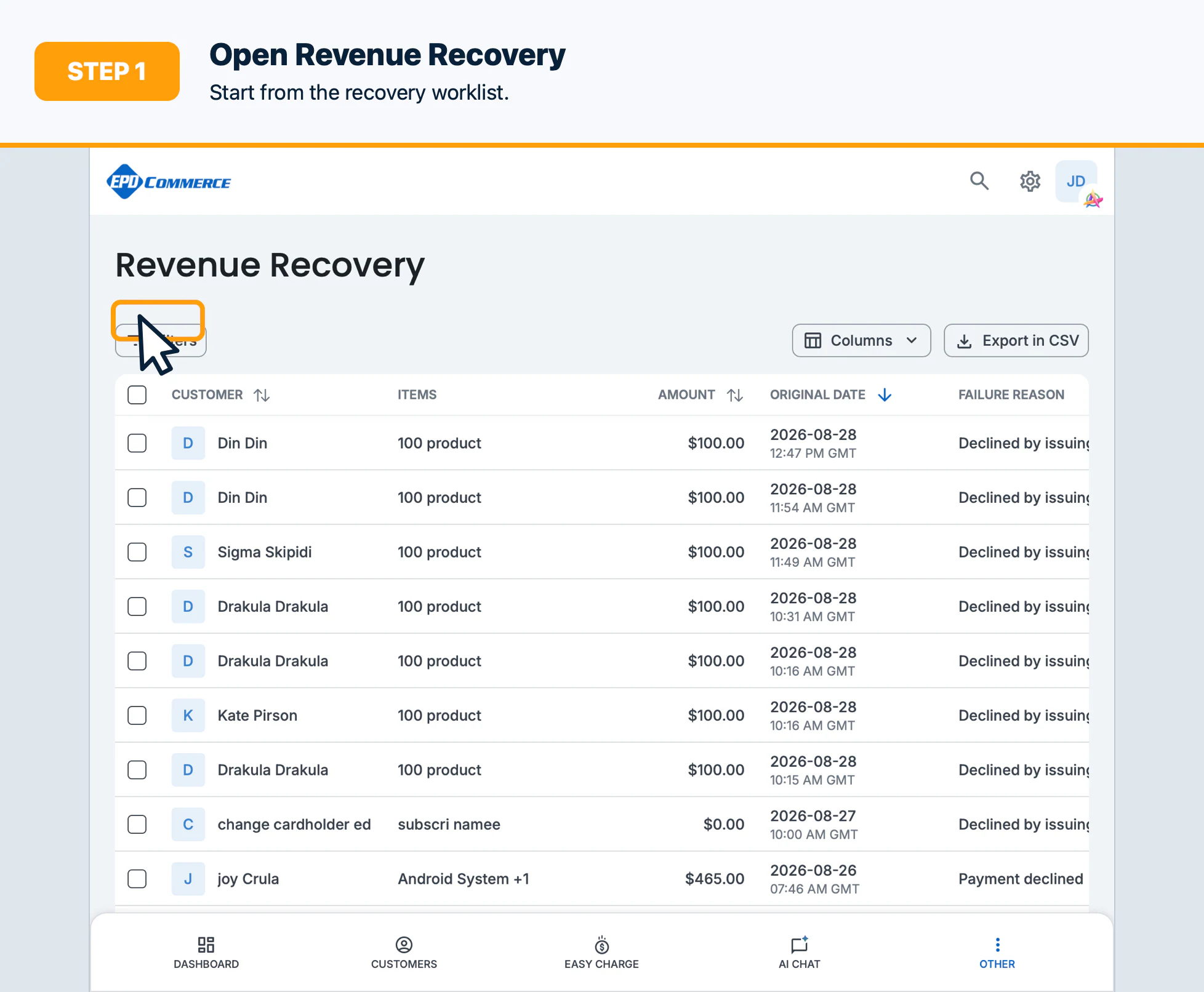
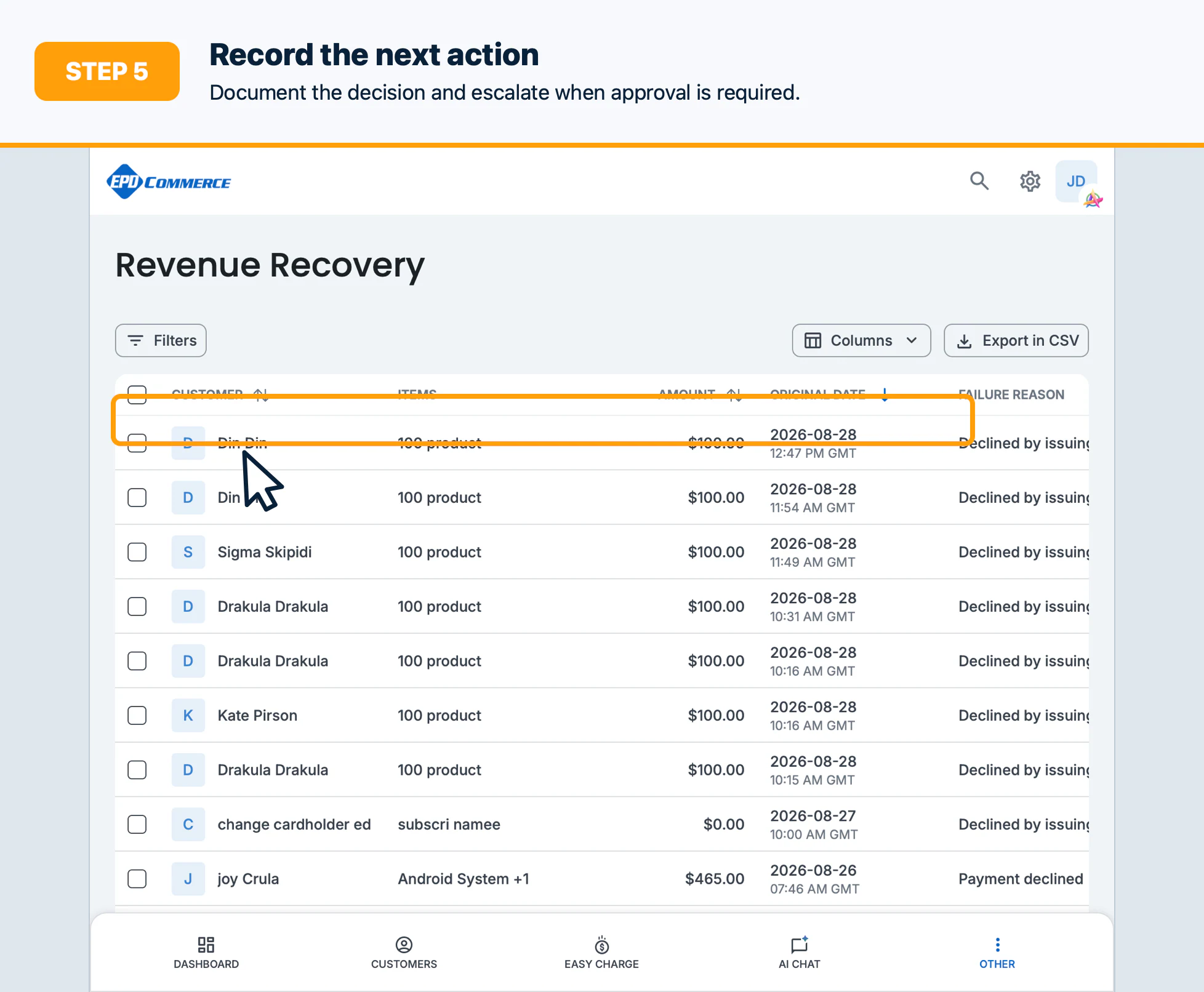
- Open Revenue Recovery.
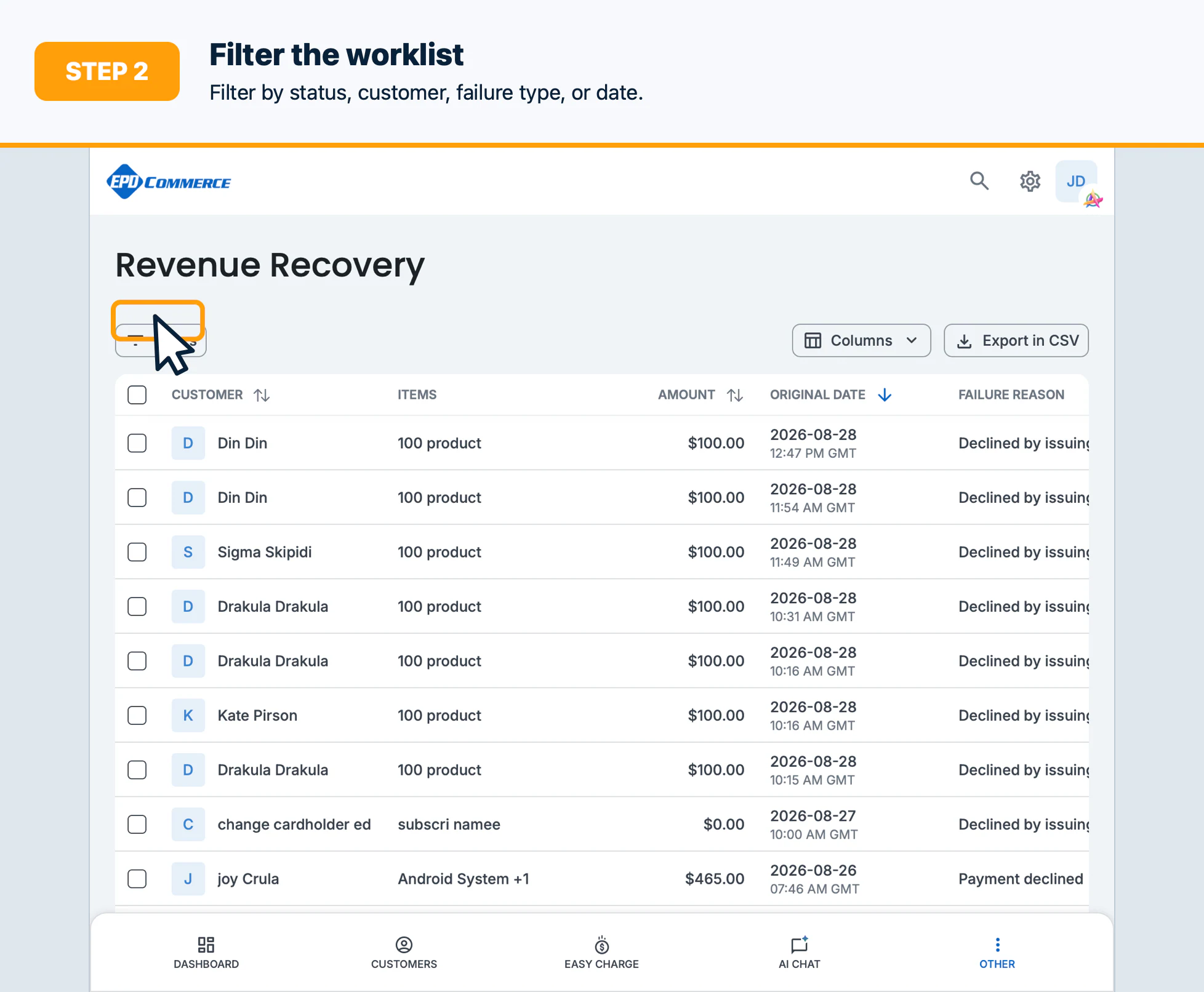
- Search or filter by recovery status, customer, order/subscription, failure type, or next retry date.
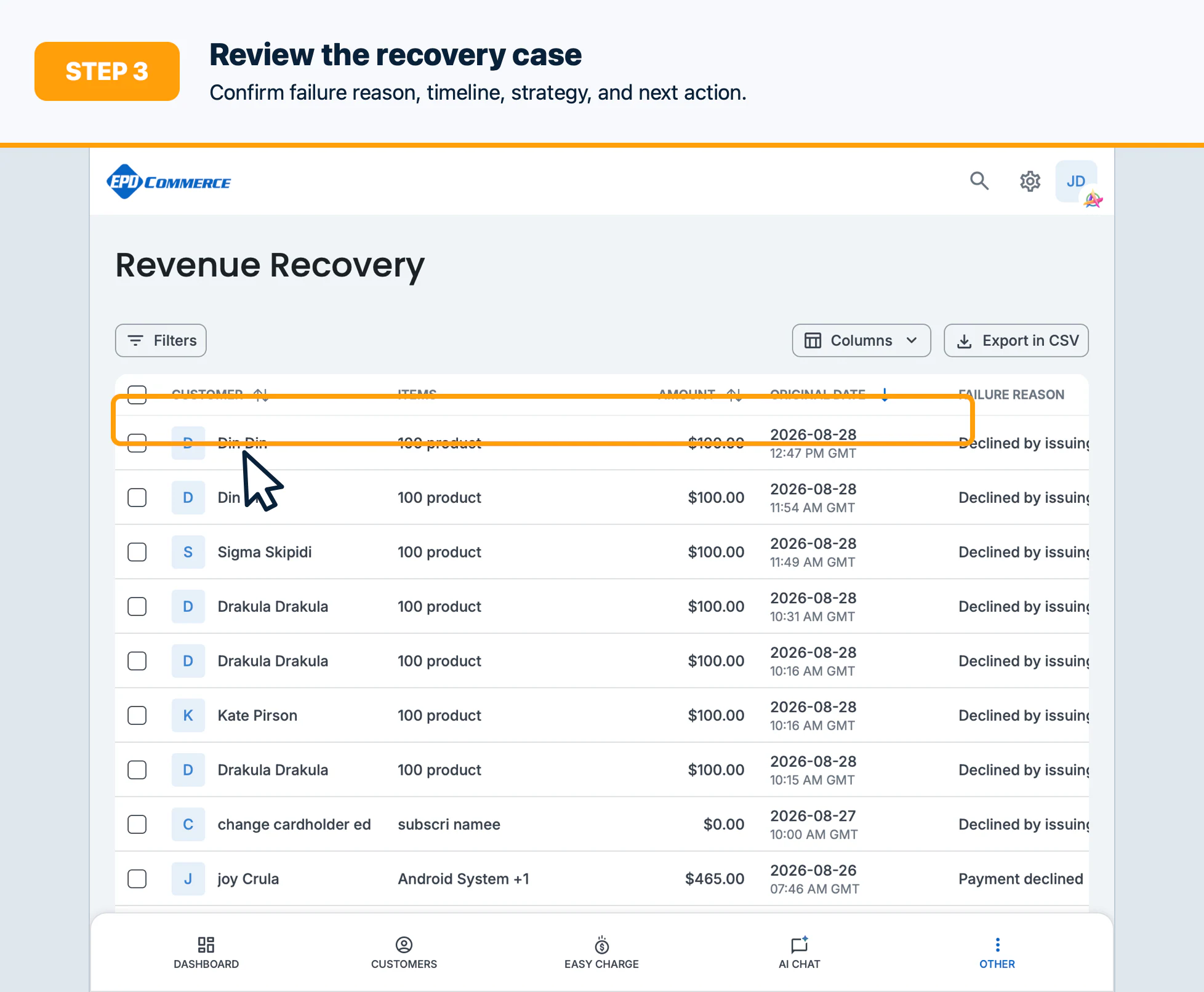
- Open a recovery case and review the failure reason, timeline, strategy, and next scheduled action.
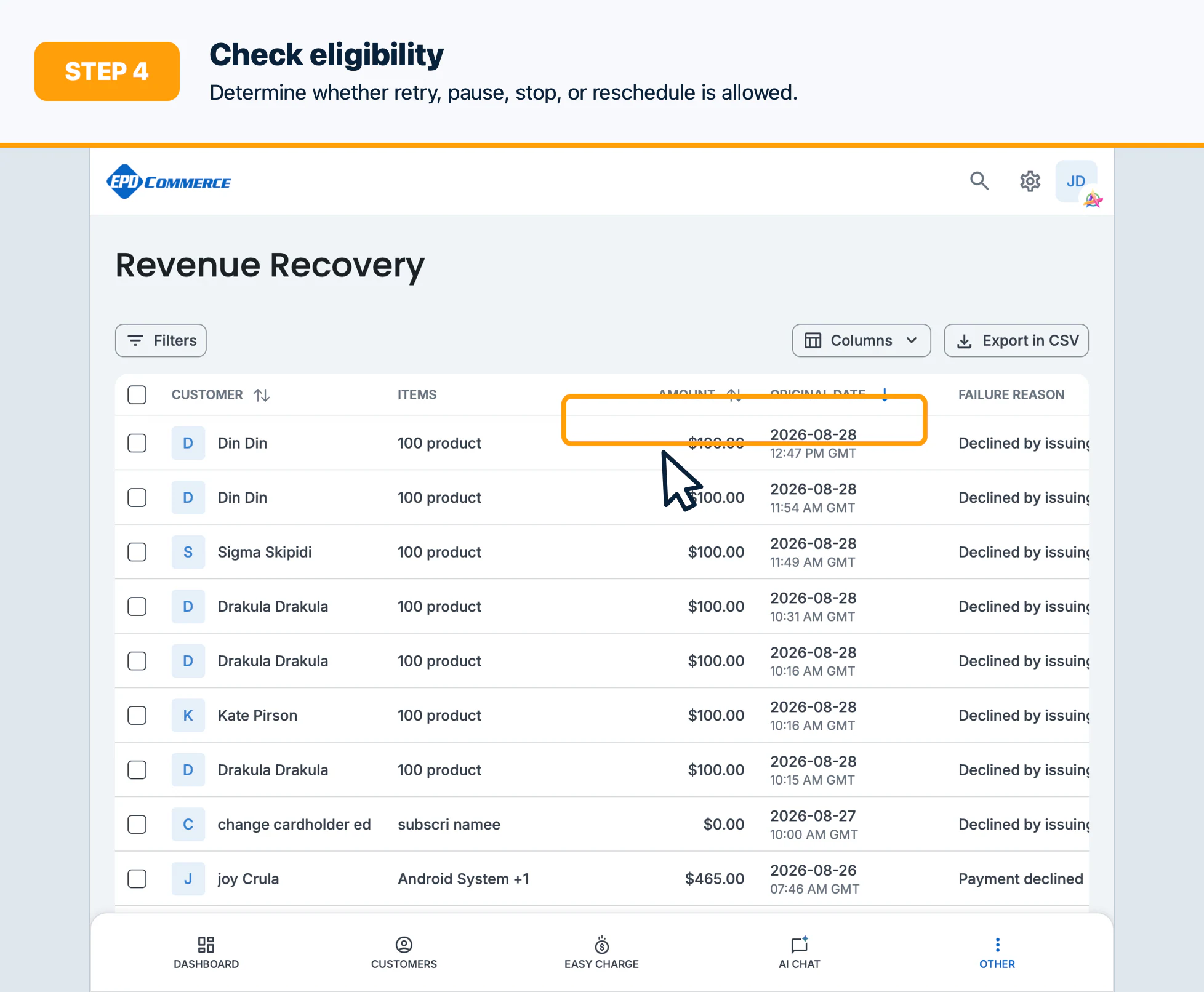
- Check whether the case is eligible for retry, pause, resume, stop, edit, or reschedule.
- Record the decision and escalate cases that require customer or finance approval.
Confirm the result
The case should have a clearly documented next action and no conflicting scheduled recovery step.
Troubleshooting
Clear filters, verify date/time settings, and check recovery permissions. A case may be hidden when it has completed or is outside the selected date range.