

Purpose
Refund a completed order safely, using the order’s available refund amount and recording the result.
Before you begin
- Confirm the requester and refund reason.
- Use a demo order or approved live order; never refund without authorization.
- Confirm whether the refund is full or partial.
Procedure
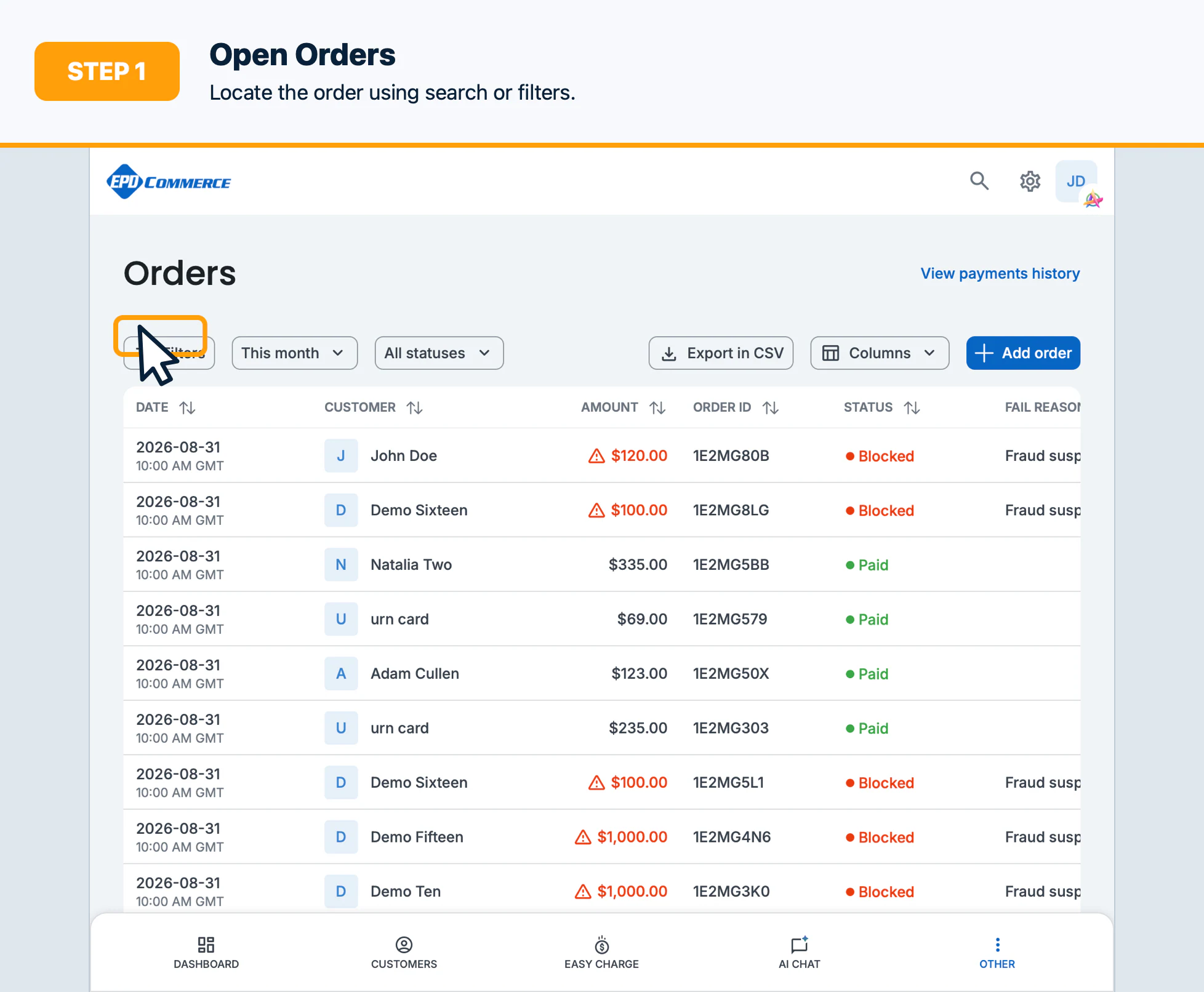
- Open Orders and locate the order using search or filters.
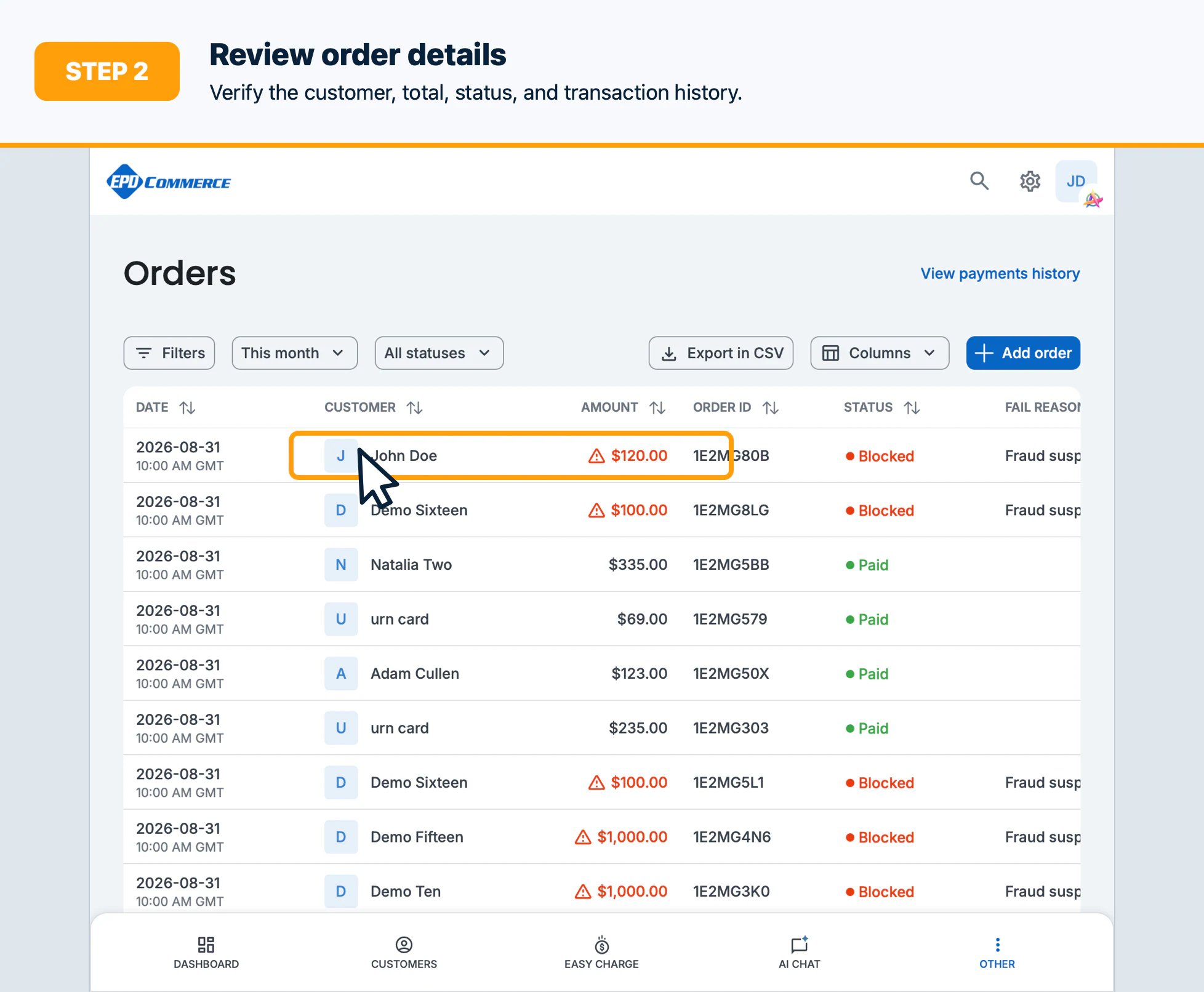
- Open the order details and review the customer, total, payment status, and transaction history.
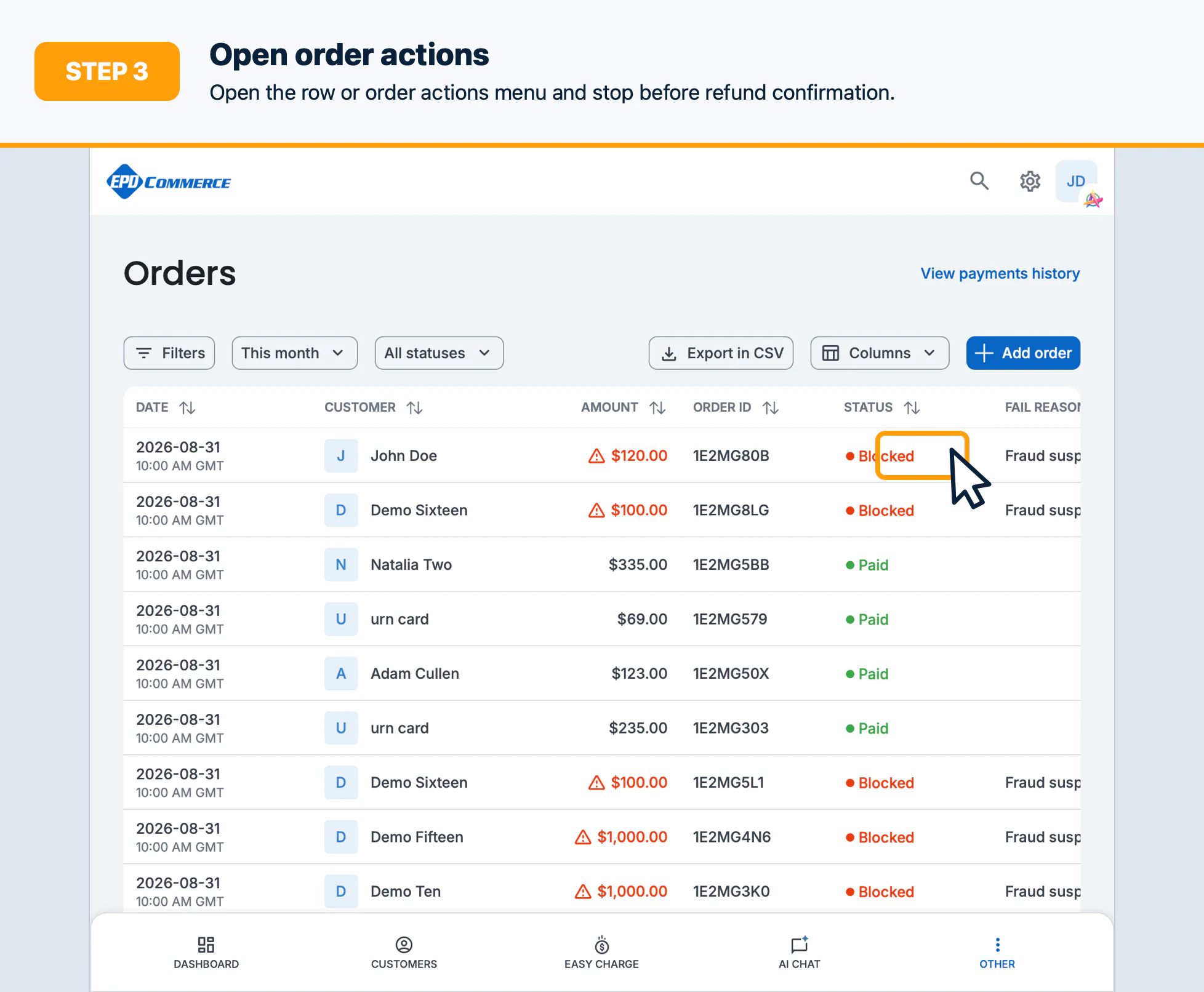
- Select the order actions menu, then select Refund when the order is eligible.
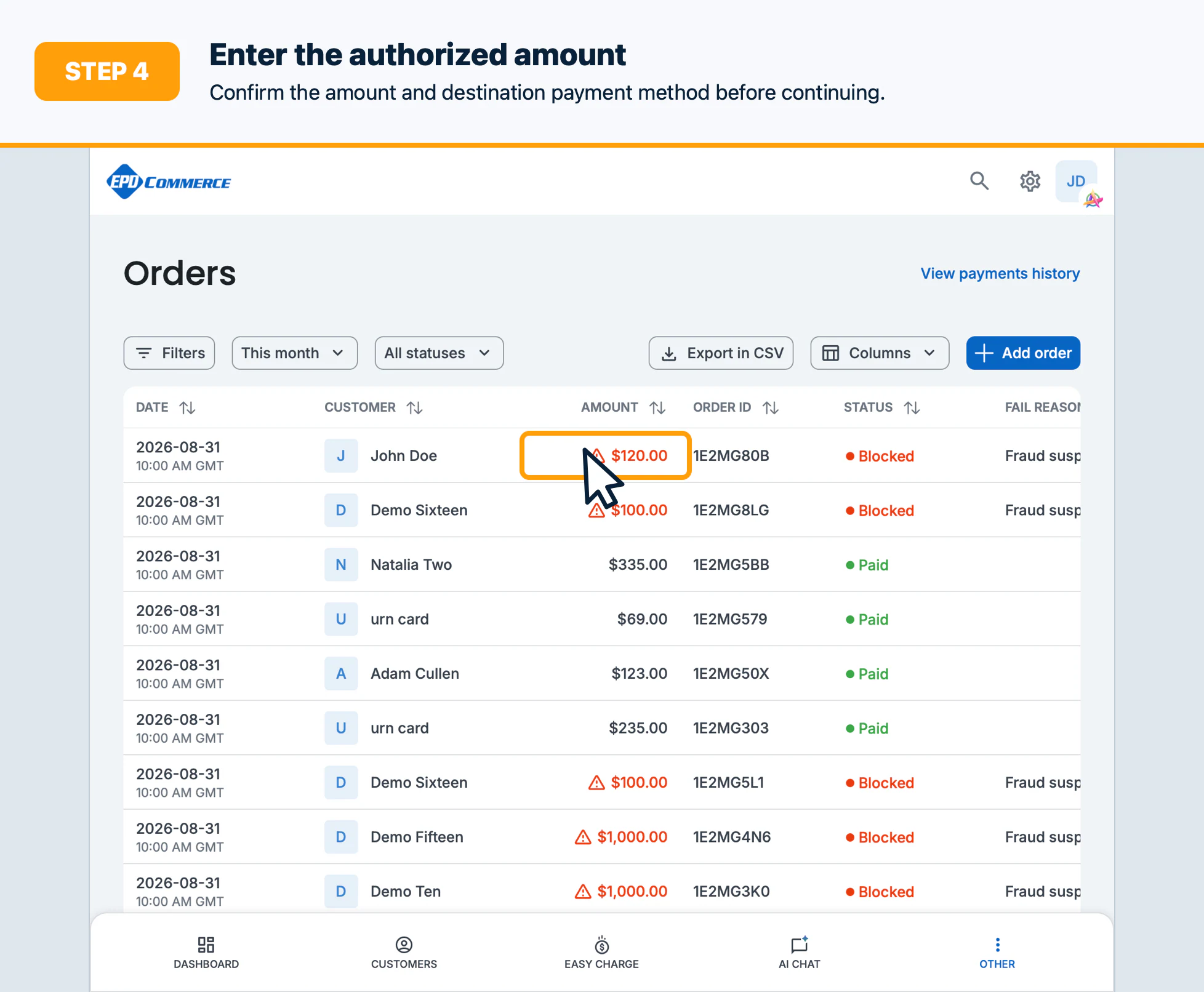
- Enter the authorized refund amount and review the refund summary.
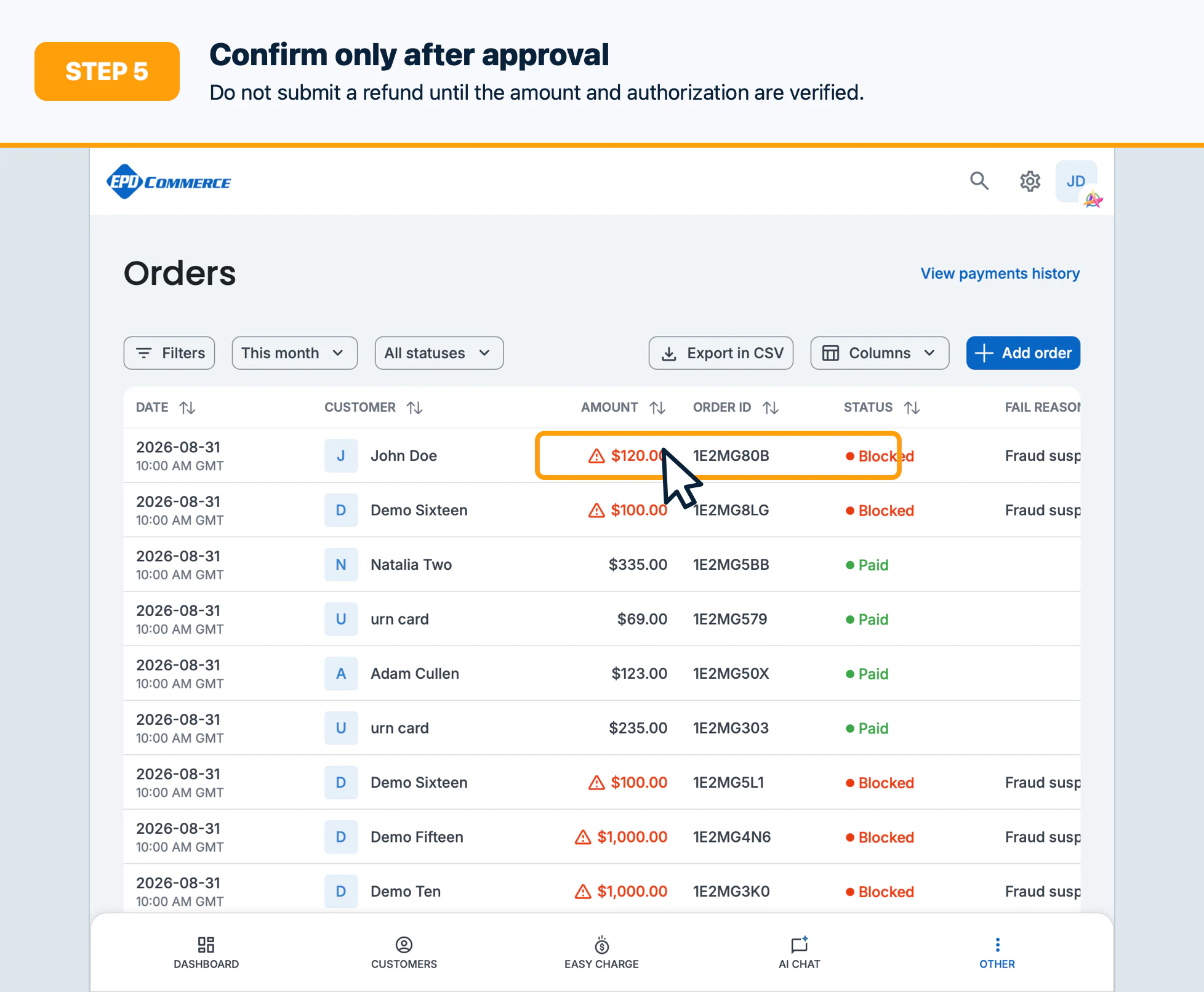
- Confirm the refund only after verifying the amount and destination payment method.
Confirm the result
Verify the order and transaction history show the expected refunded amount and status. Save the confirmation reference according to your team policy.
Troubleshooting
If Refund is unavailable, check order status, remaining refundable amount, permissions, and whether the transaction is still processing.