

Purpose
Create a controlled promotion, generate codes when needed, and archive or restore the coupon safely.
Before you begin
- Confirm the promotion’s discount, duration, eligibility, dates, and redemption limits.
- Decide whether it is a reusable coupon or a one-time promotional code.
- Confirm coupon-management permission.
Procedure
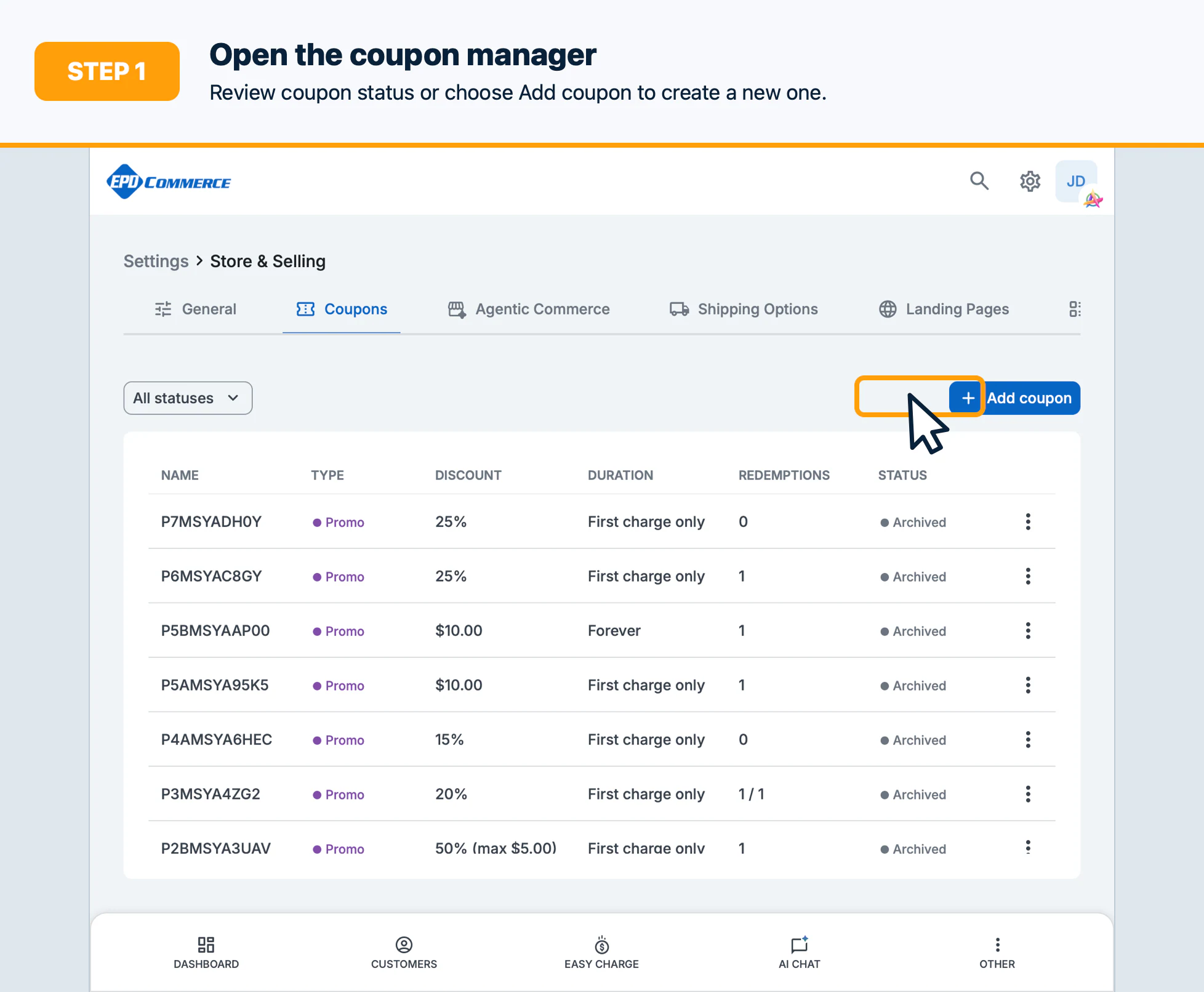
- Open Store & Selling, then open Coupons and select Add coupon.
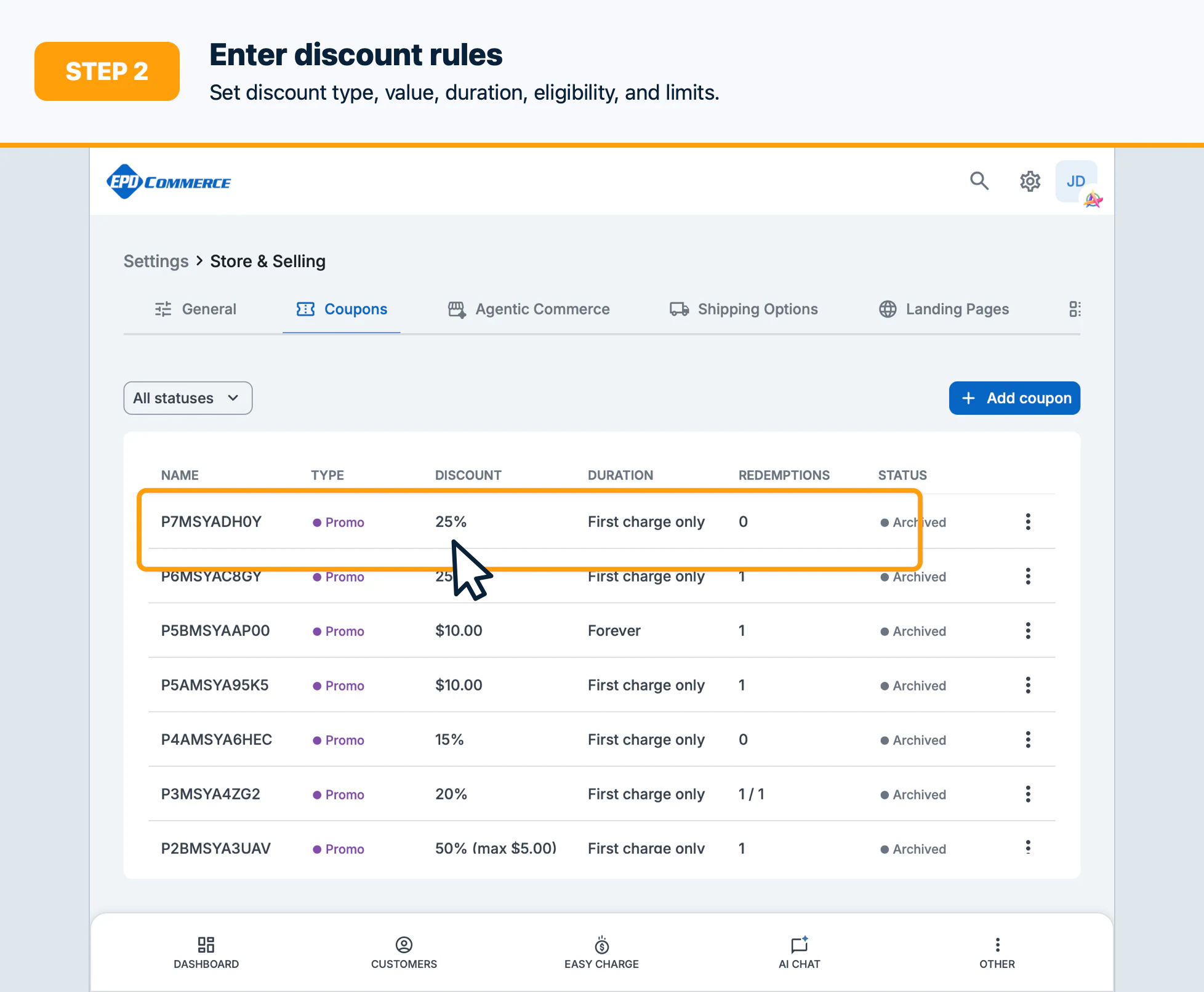
- Enter the coupon name, discount type, discount value, duration, eligibility, and limits.
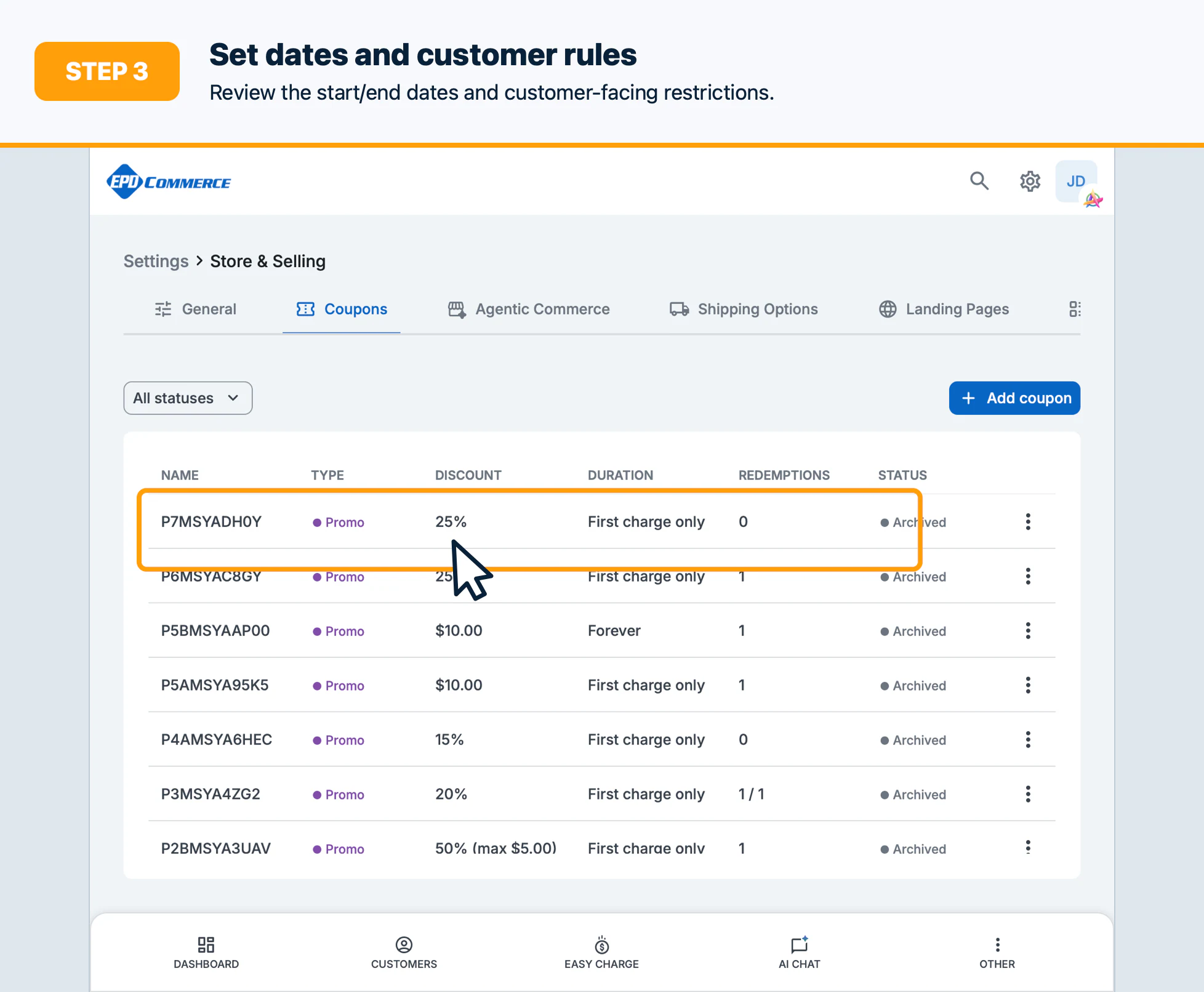
- Set start/end dates and review the customer-facing rules.
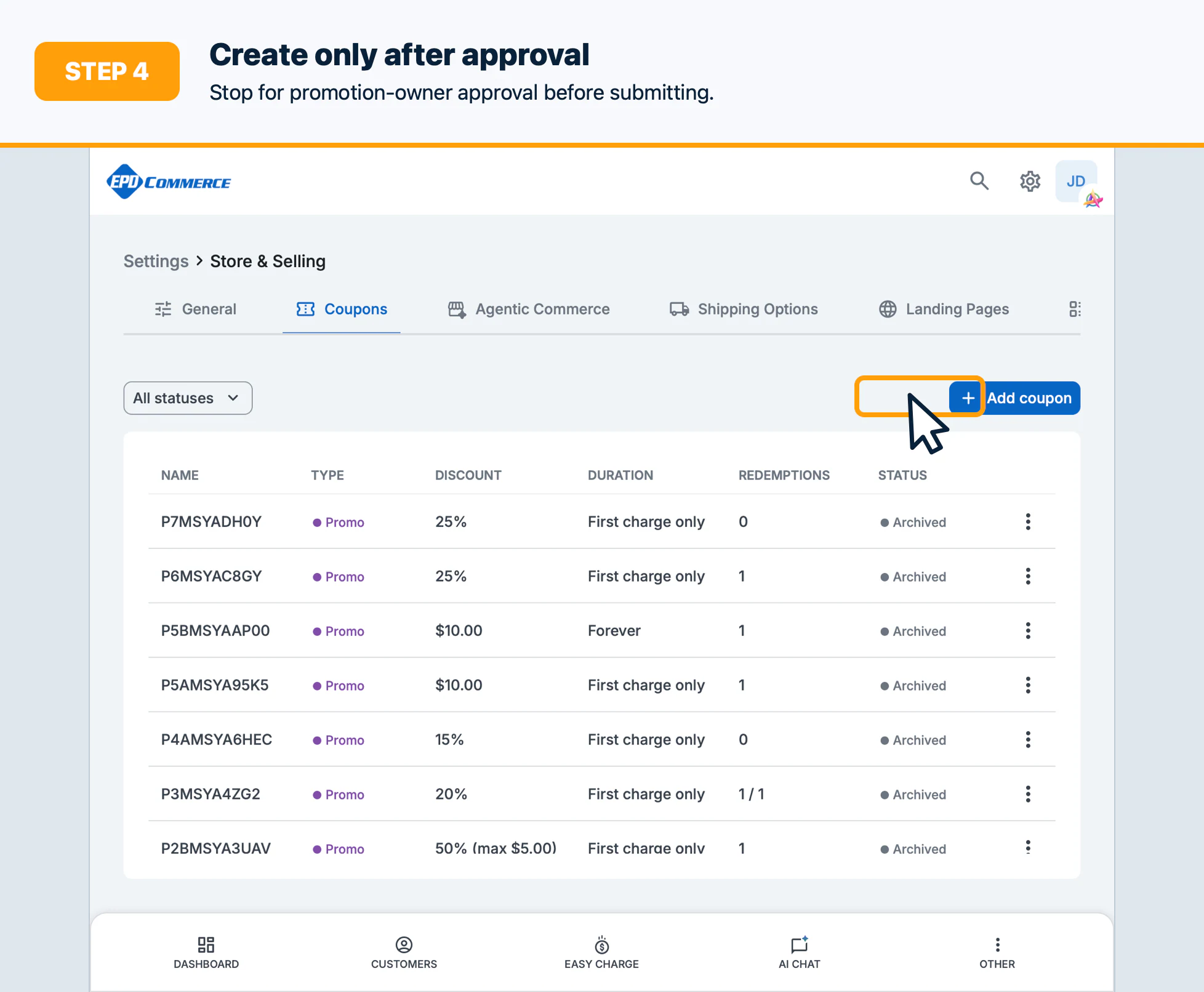
- Select Create coupon only after the promotion owner approves the terms.
- Open the coupon’s codes view to generate, review, or disable codes when applicable.
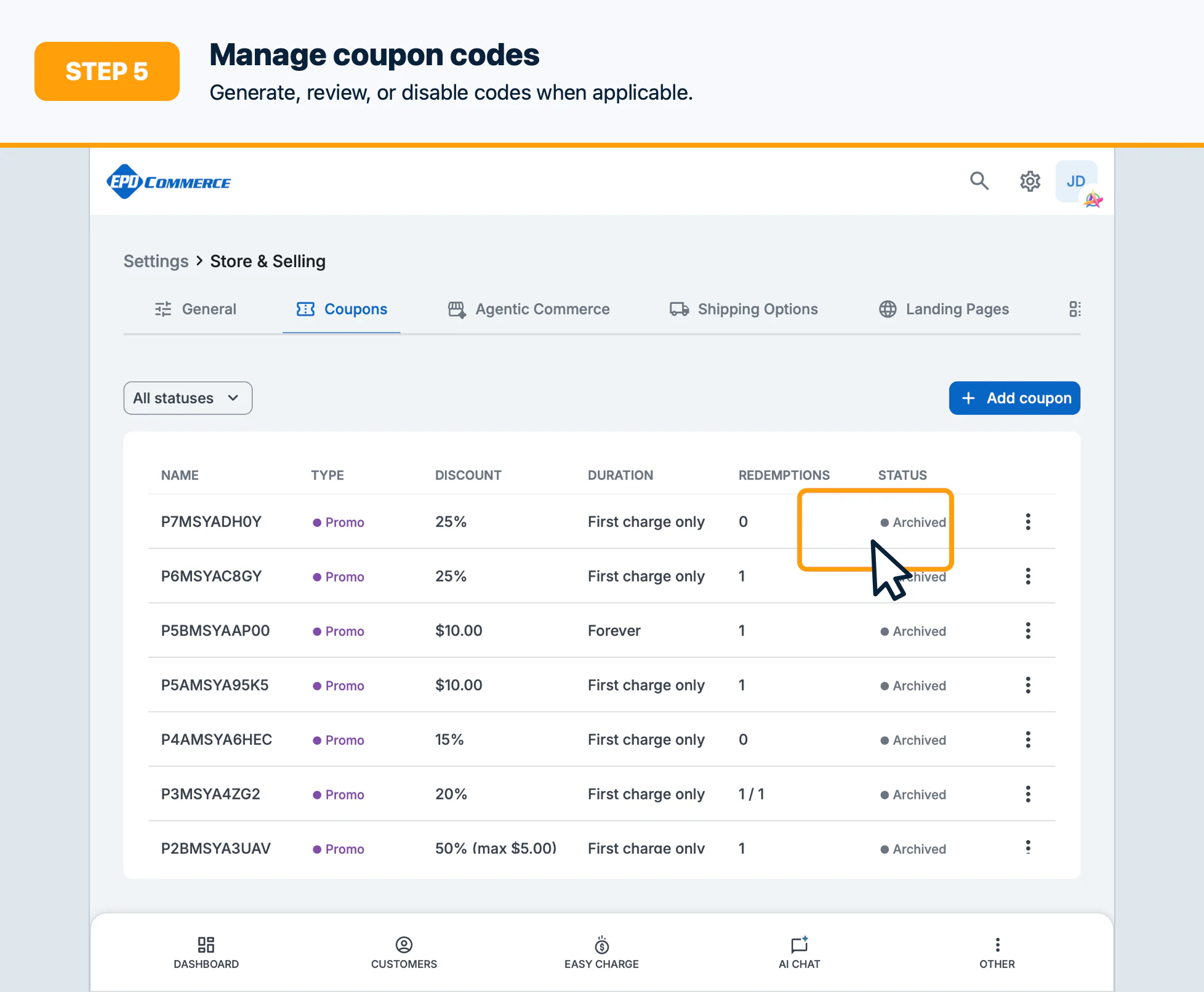
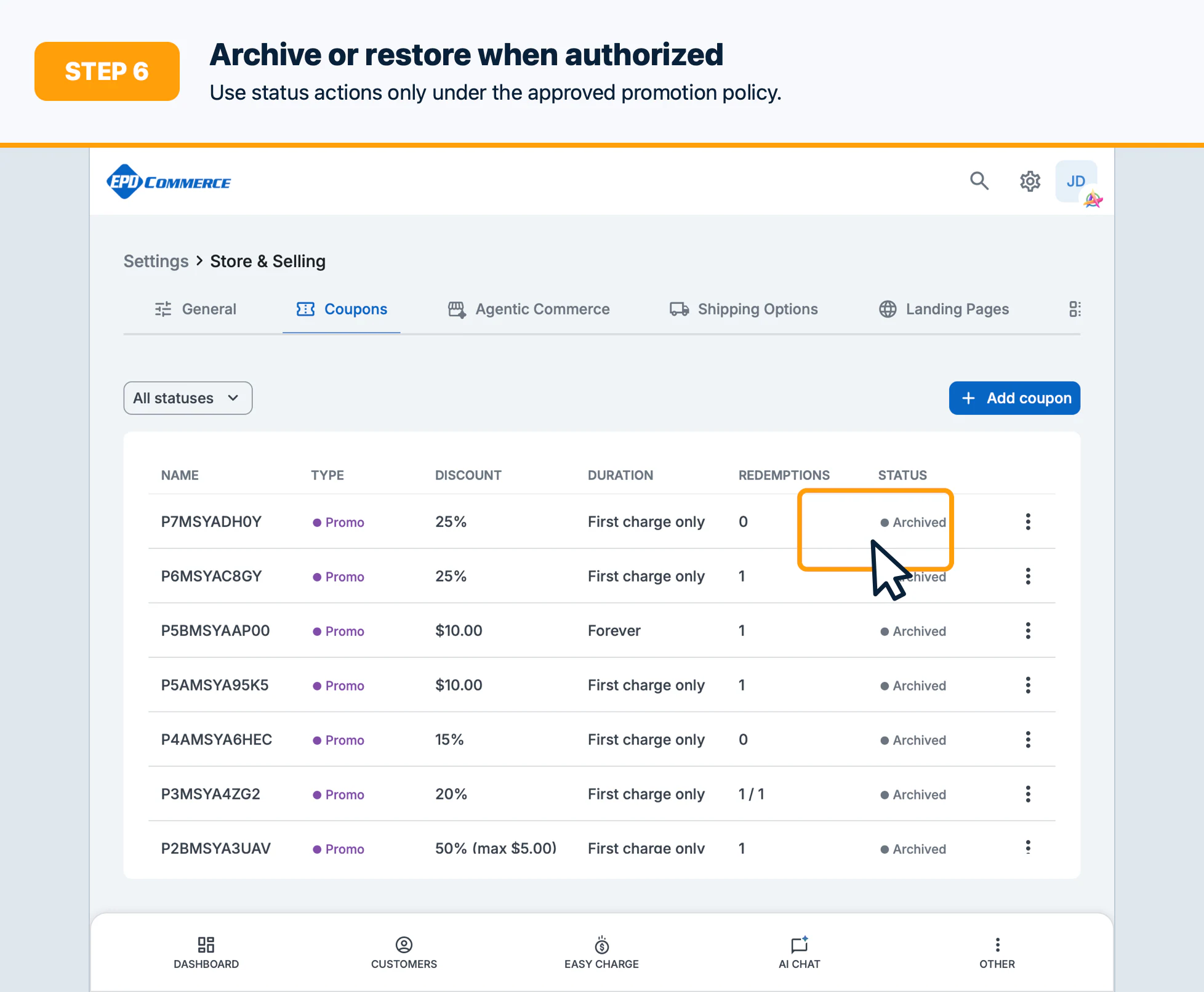
- Edit approved fields as needed; use Archive to retire a coupon and Restore only when authorized.
Confirm the result
Verify the coupon status, discount behavior, dates, limits, code status, and redemption count.
Troubleshooting
Check invalid discount values, date ranges, archived status, promo-code restrictions, and permissions.