

Purpose
Retry an eligible failed payment after confirming the customer, payment method, amount, and authorization.
Before you begin
- Confirm the retry is allowed by policy and customer consent.
- Check for a recently successful attempt to avoid duplicate collection.
- Confirm the payment method is current and the amount is expected.
Procedure
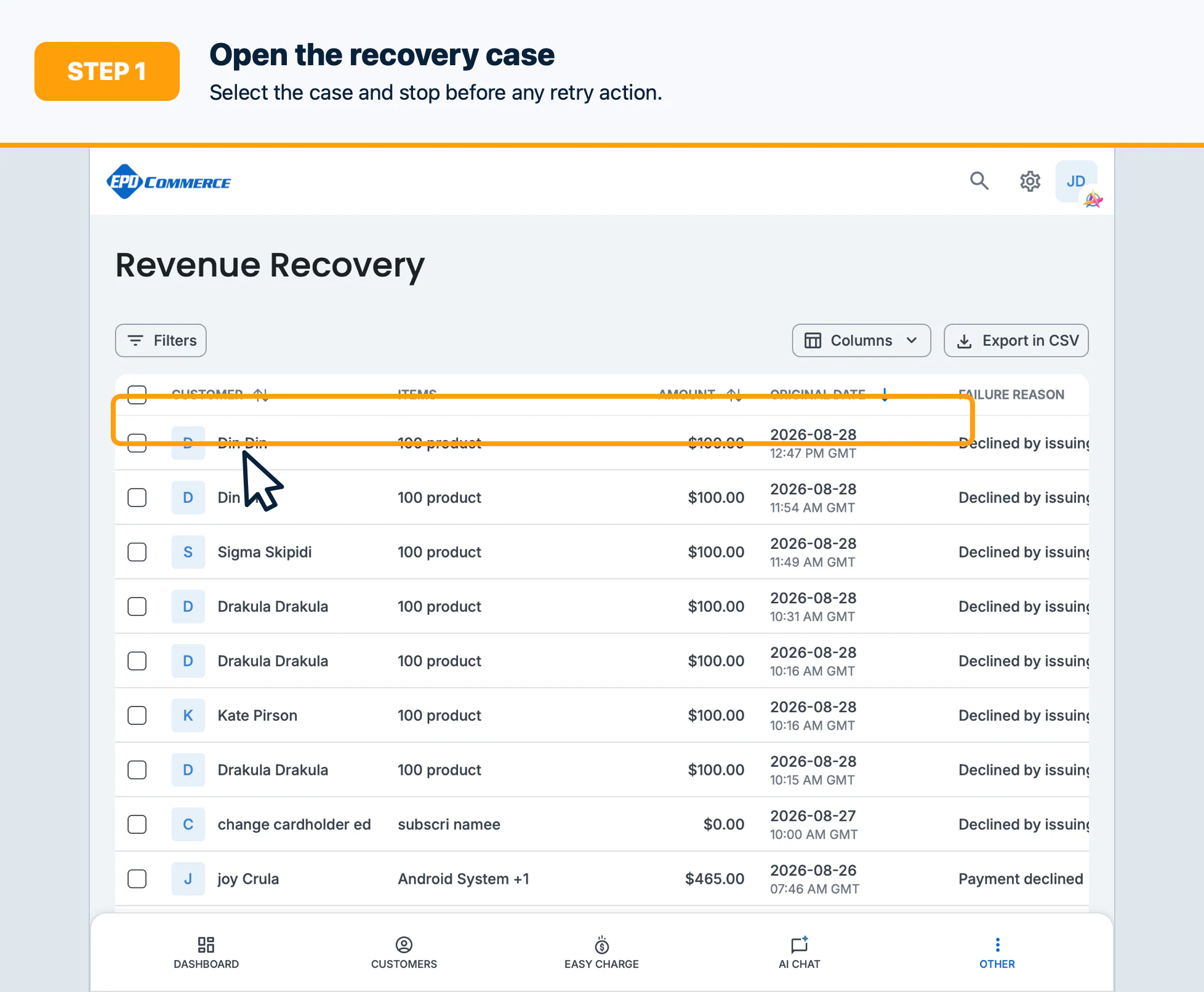
- Open Revenue Recovery and select the recovery case.
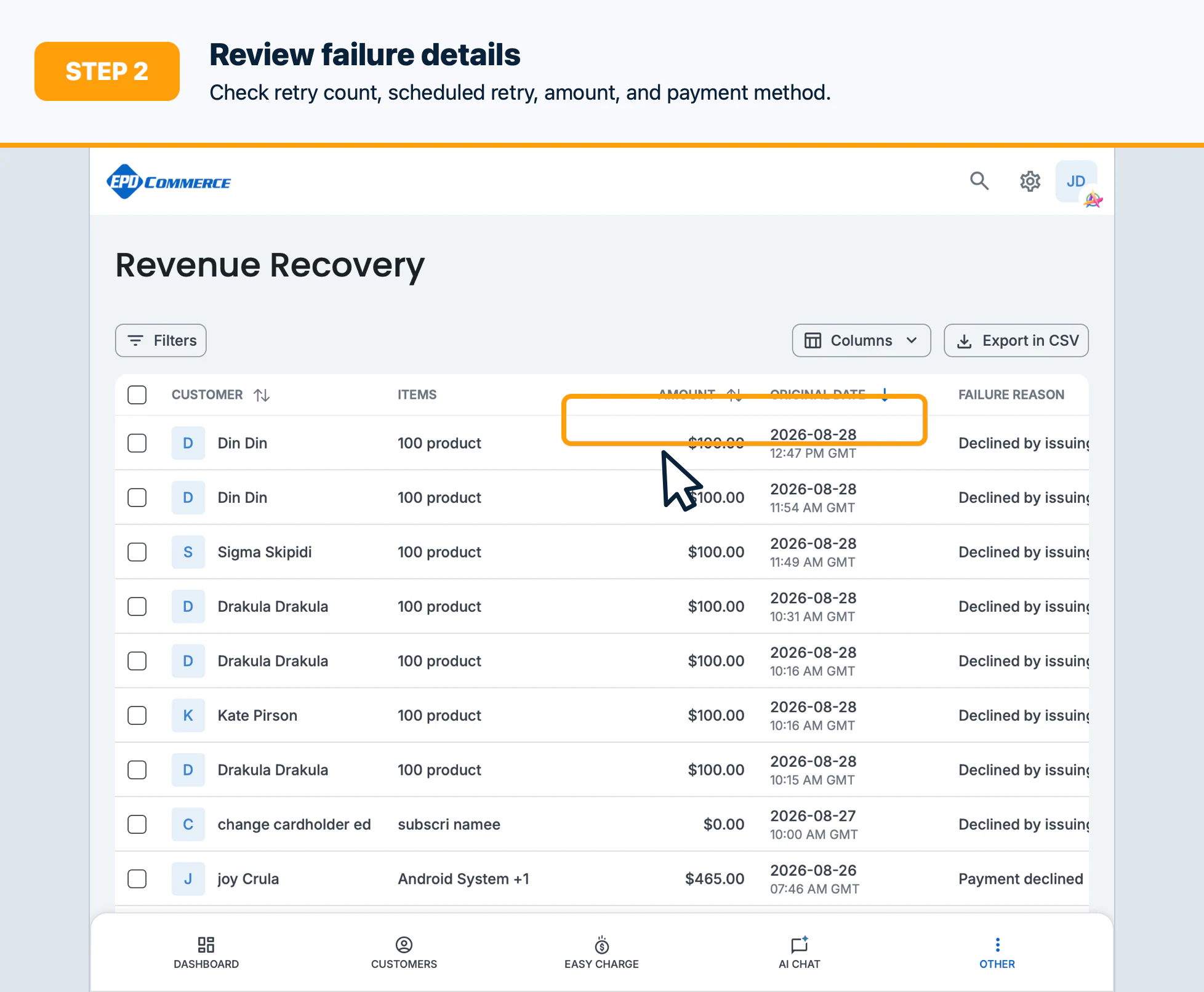
- Review the failure details, retry count, scheduled next retry, and payment method.
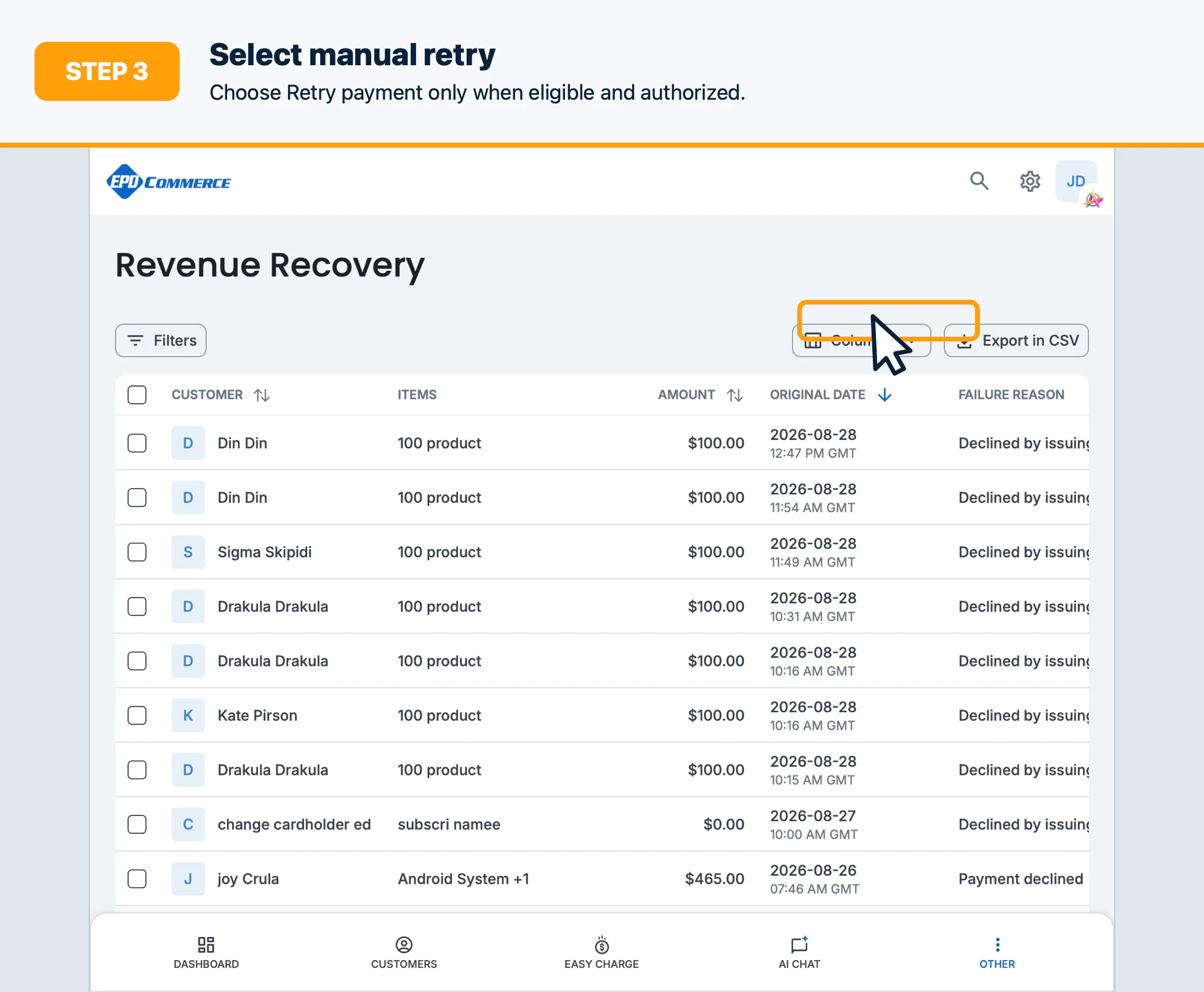
- Select Retry payment or the equivalent manual retry action.
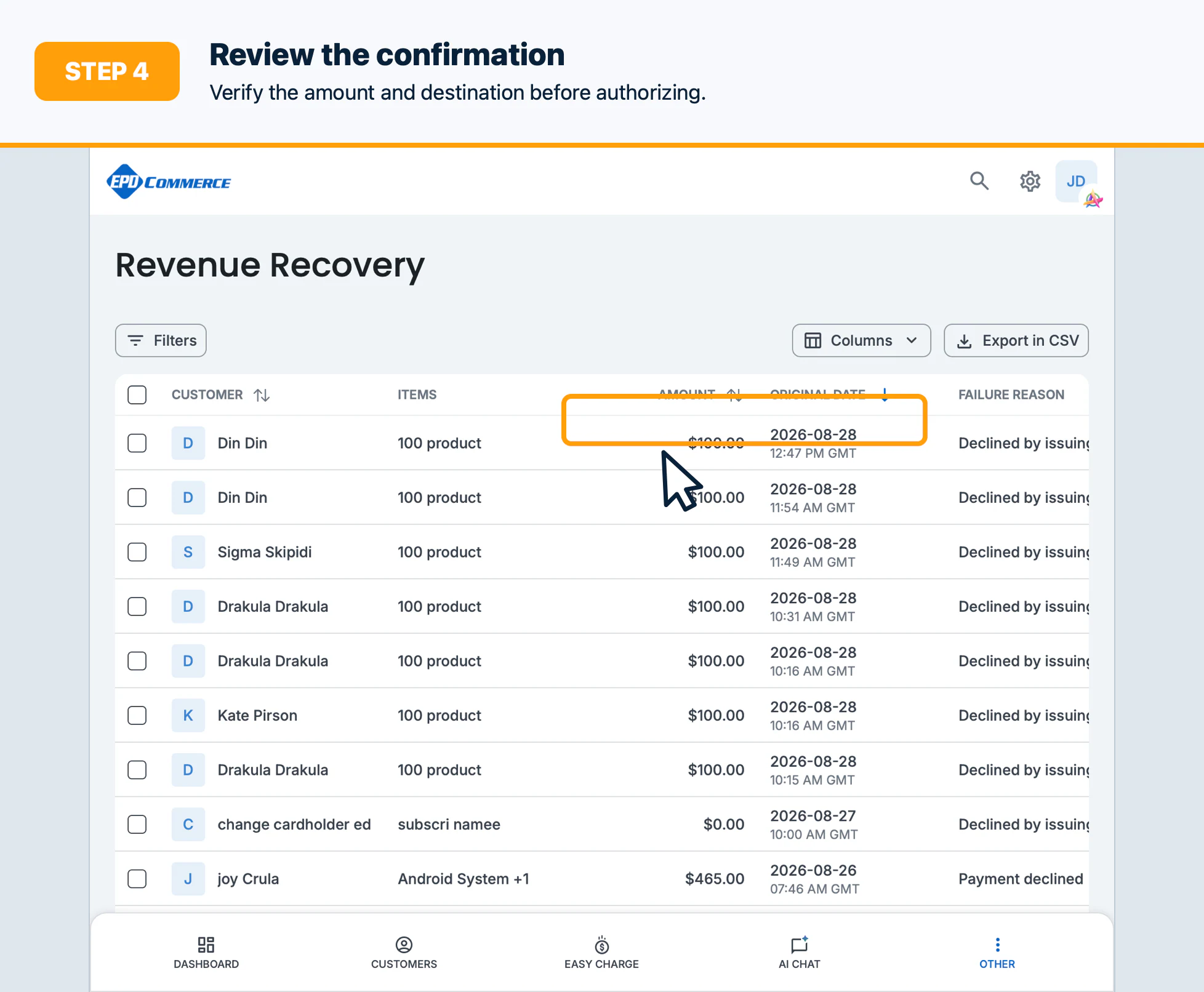
- Review the confirmation dialog, then authorize the retry.
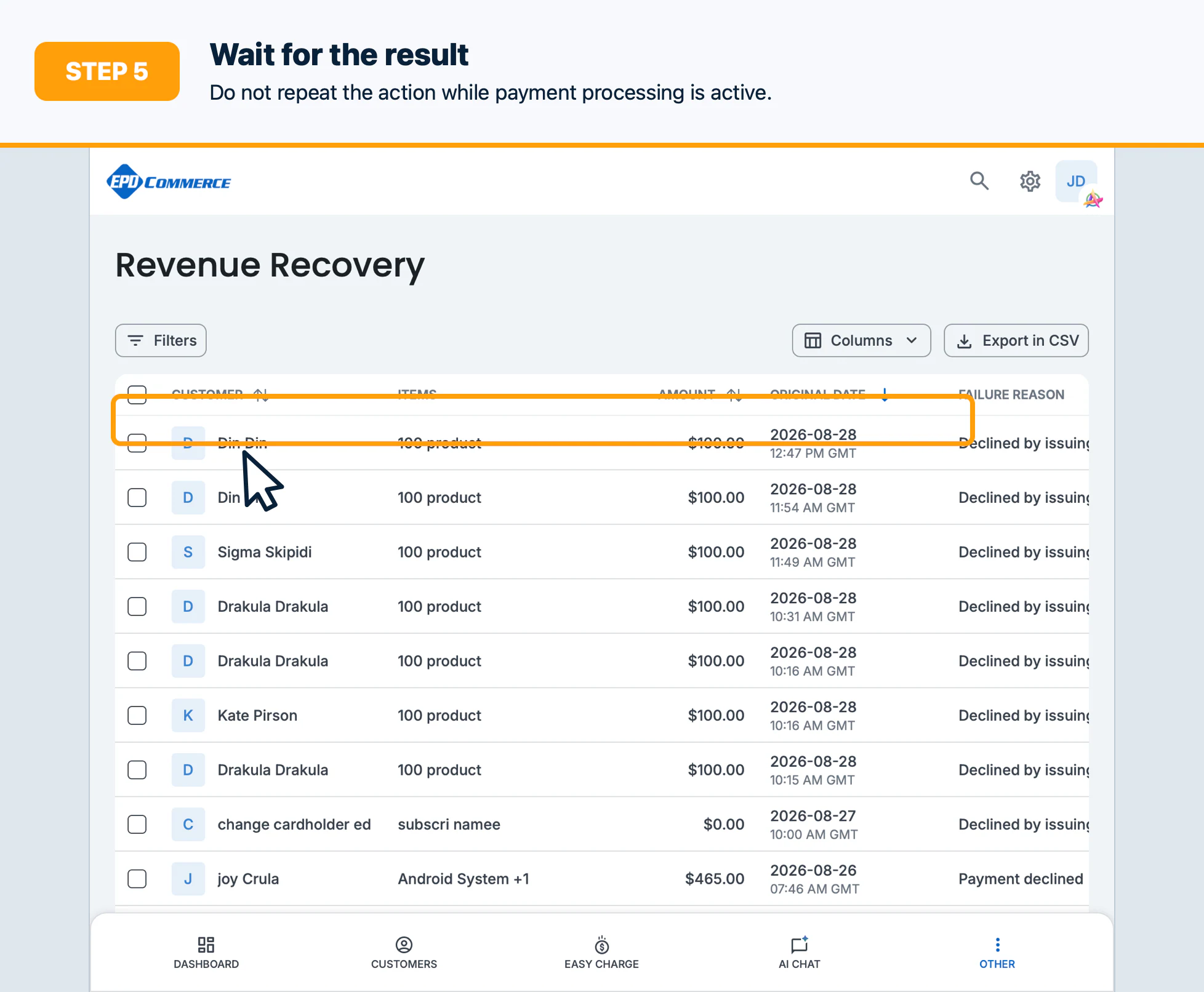
- Wait for the result and do not repeat the action while the payment is processing.
Confirm the result
Verify the payment status, transaction entry, retry count, and next recovery action.
Troubleshooting
Do not retry when a payment is processing, the case is no longer eligible, or the card needs updating. Escalate repeated failures.