

Purpose
Locate an order and understand its customer, payment, fulfillment, subscription, and recovery details.
Procedure
- Open Orders.
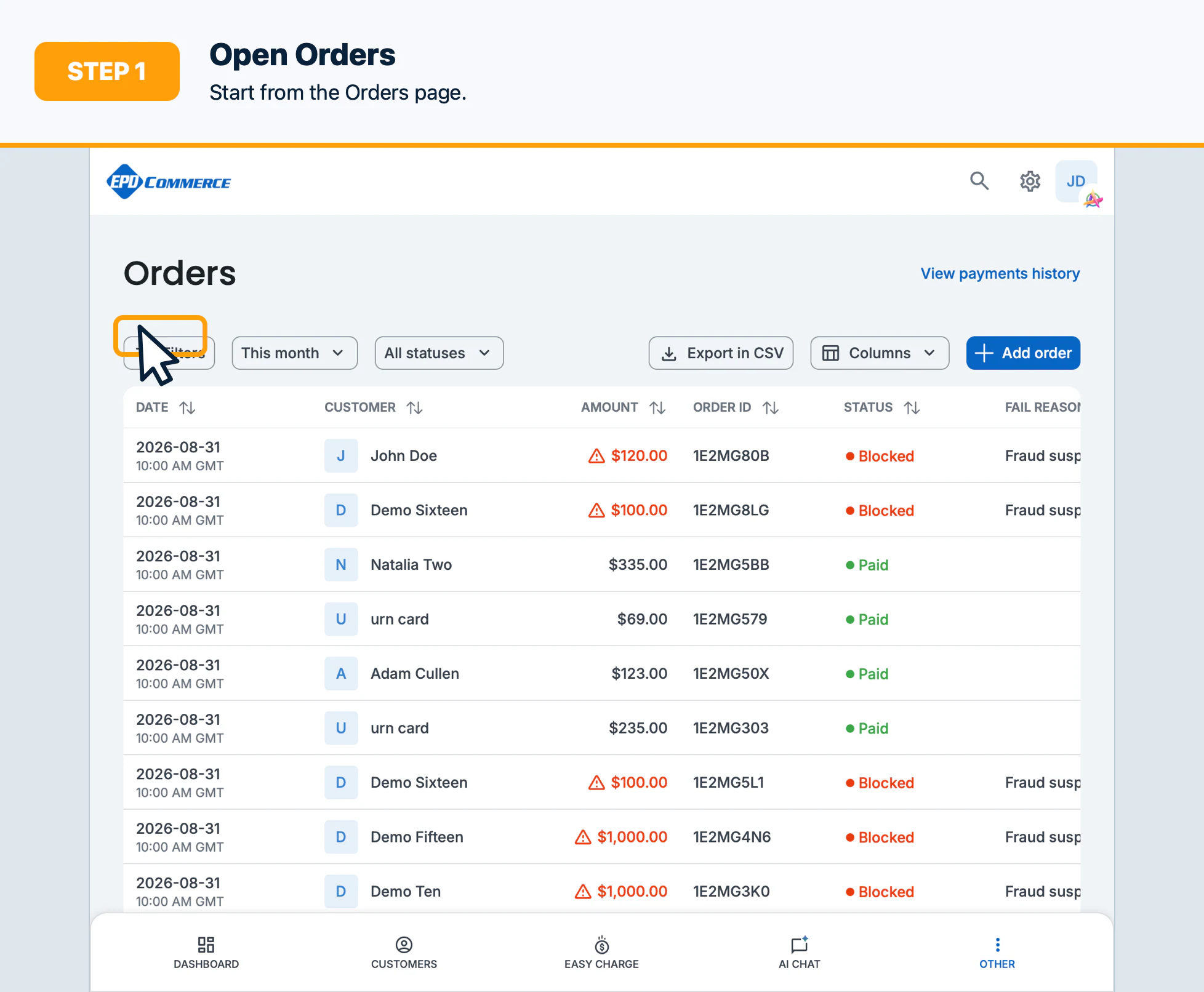
- Search by the available order, customer, status, date, or amount criteria.
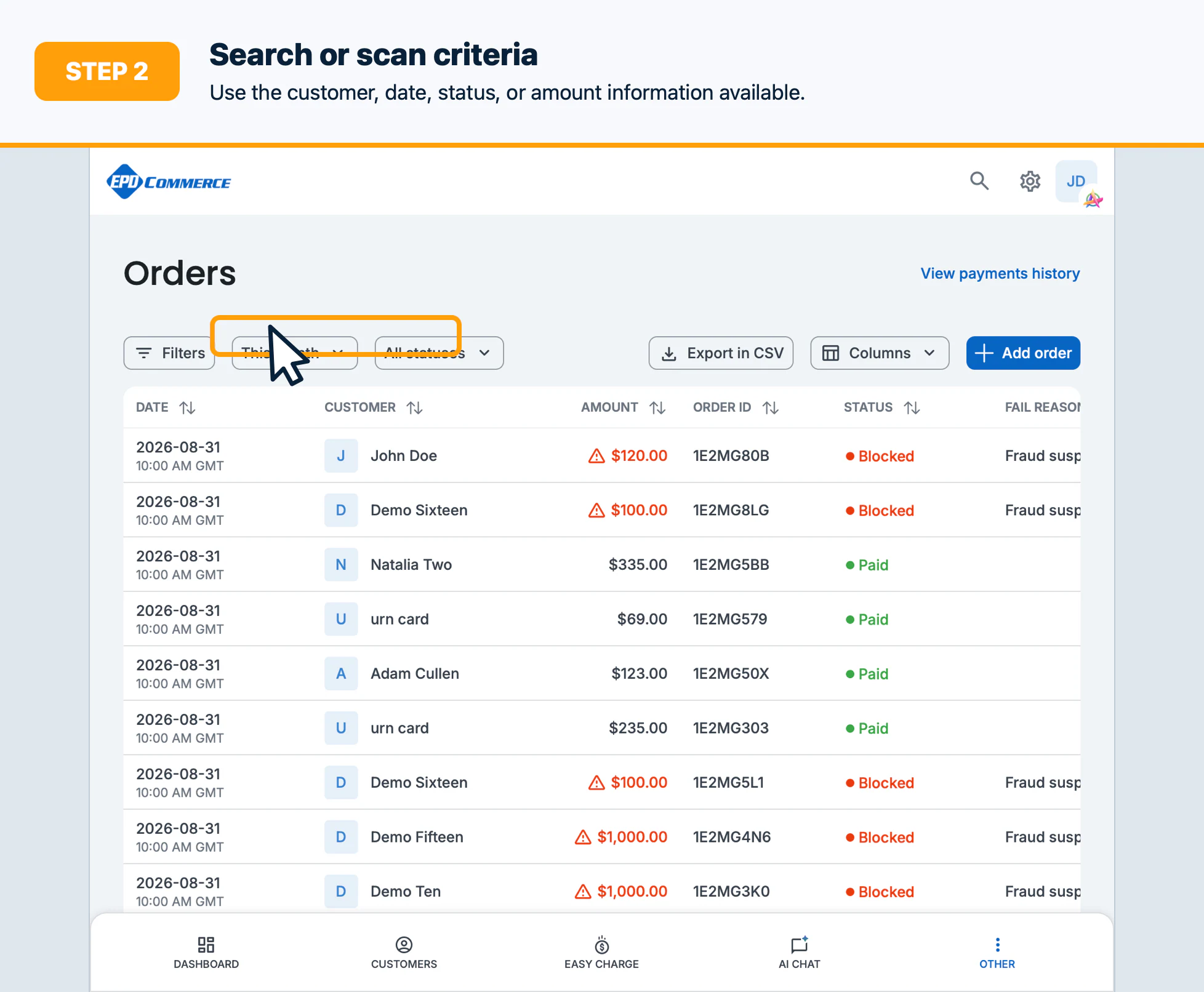
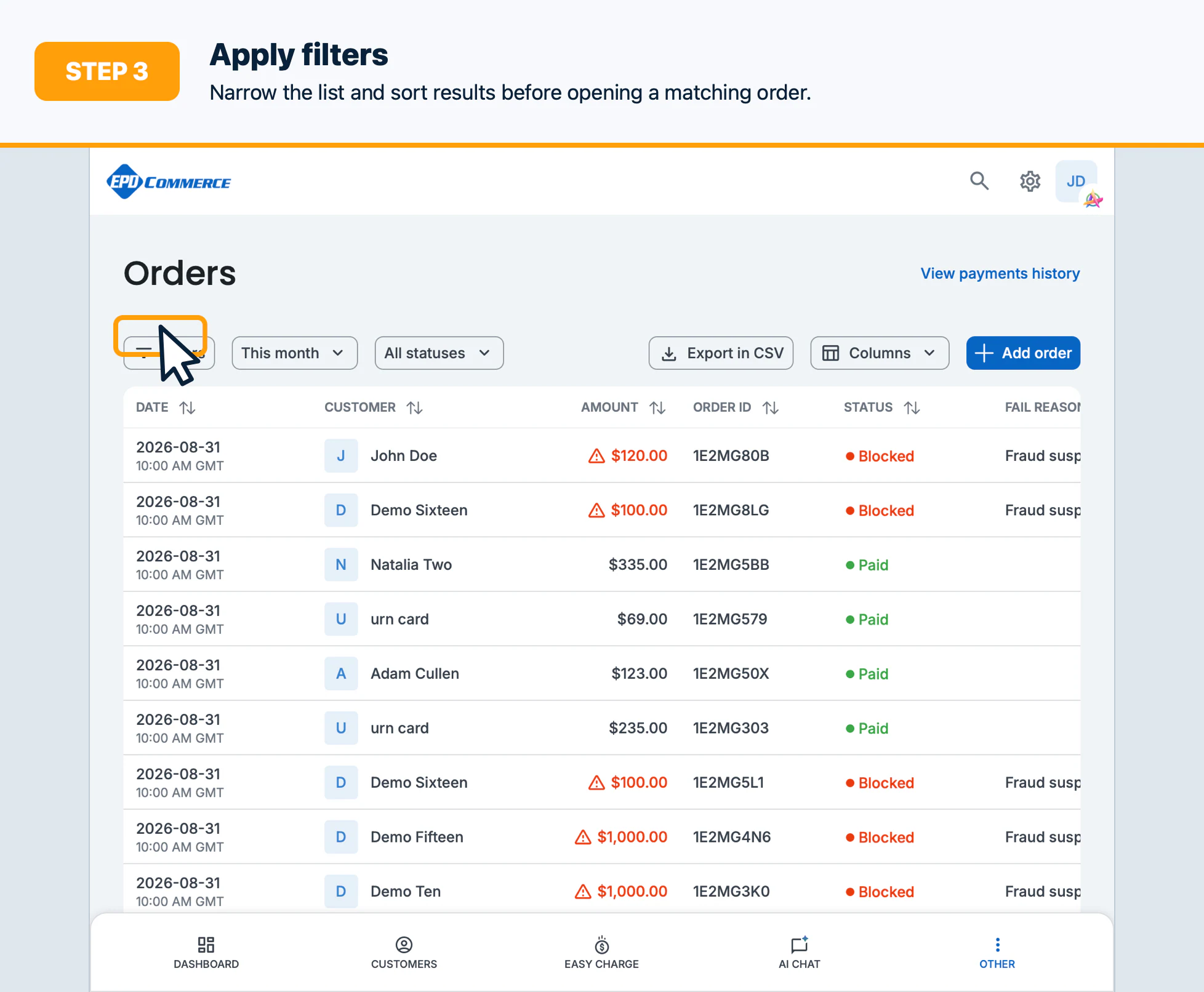
- Apply filters and sort the results to narrow the list.
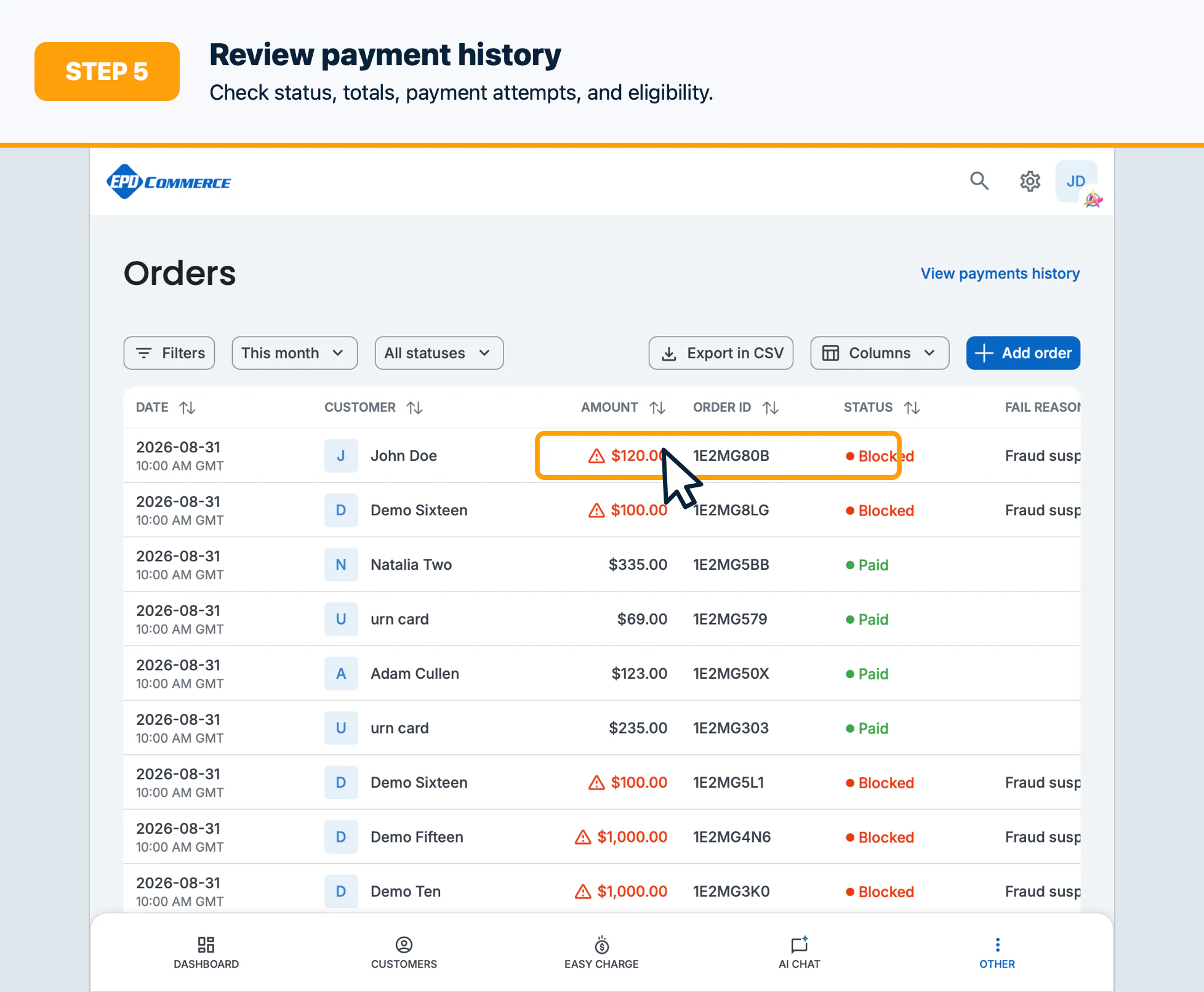
- Open the matching order and review the customer, line items, totals, status, and payment method.
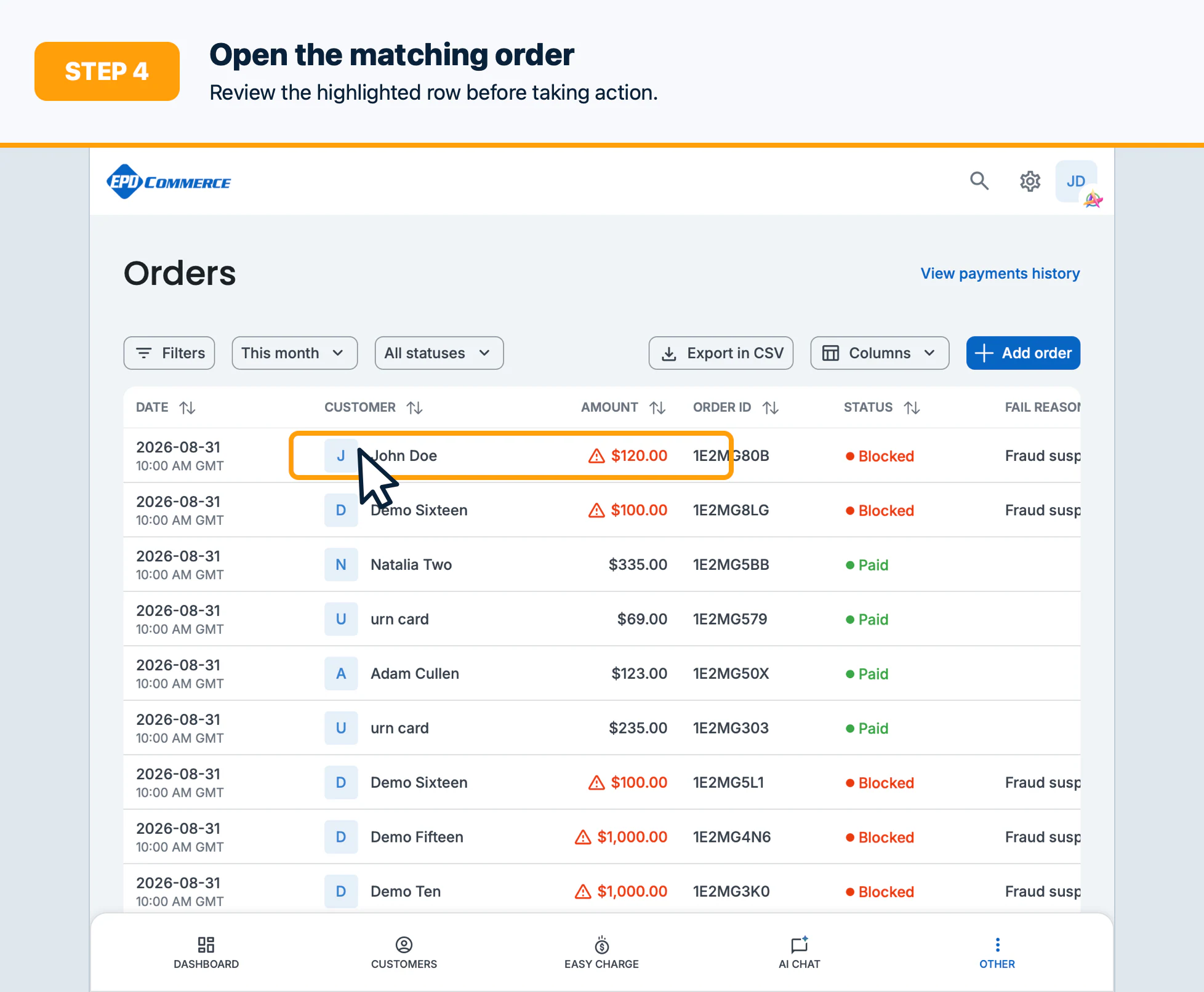
- Review Transaction history and any recovery or subscription information before taking action.
Confirm the result
You should be able to state the order status, total, payment attempts, refund/cancellation eligibility, and next safe action.
Troubleshooting
Clear filters, broaden the date range, or search by a different identifier if the order is not visible. Access may depend on order-view permissions.